

Ever spent HOURS staring at a blank slide, trying to make a presentation that doesn’t look boring?
You research, you write, you design… and it’s still… mehhh!
You know it could be better.
BUT updating slides is slow, painful, and draining.
Now with FREE AI tools, you can create stunning story-driven Powerpoint presentations in 5 minutes.
NOT with paid apps, but with ONE FREE AI TOOL.
Today, I’m going to show you exactly how I used Google NotebookLM to create stunning Powerpoint slides (notebook link):
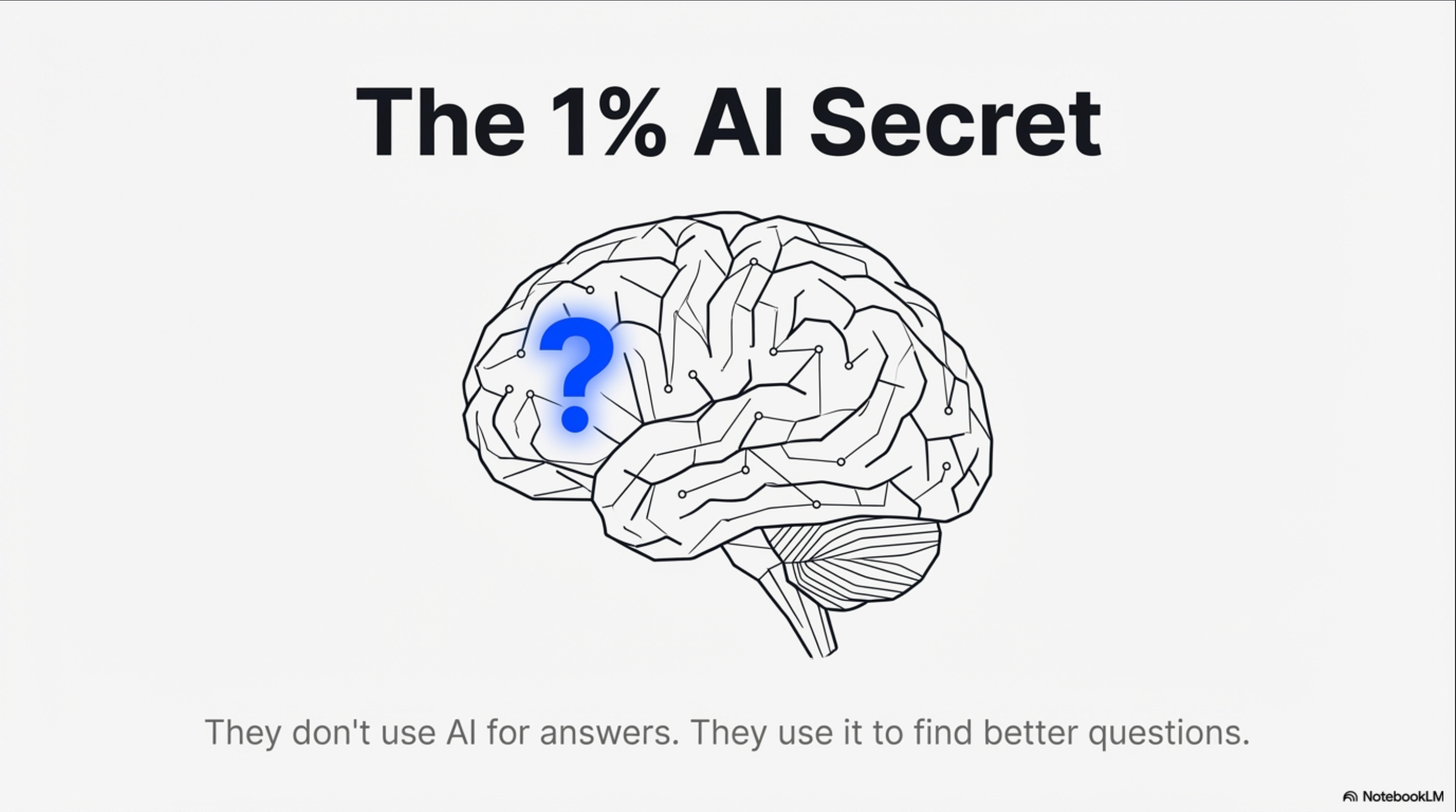
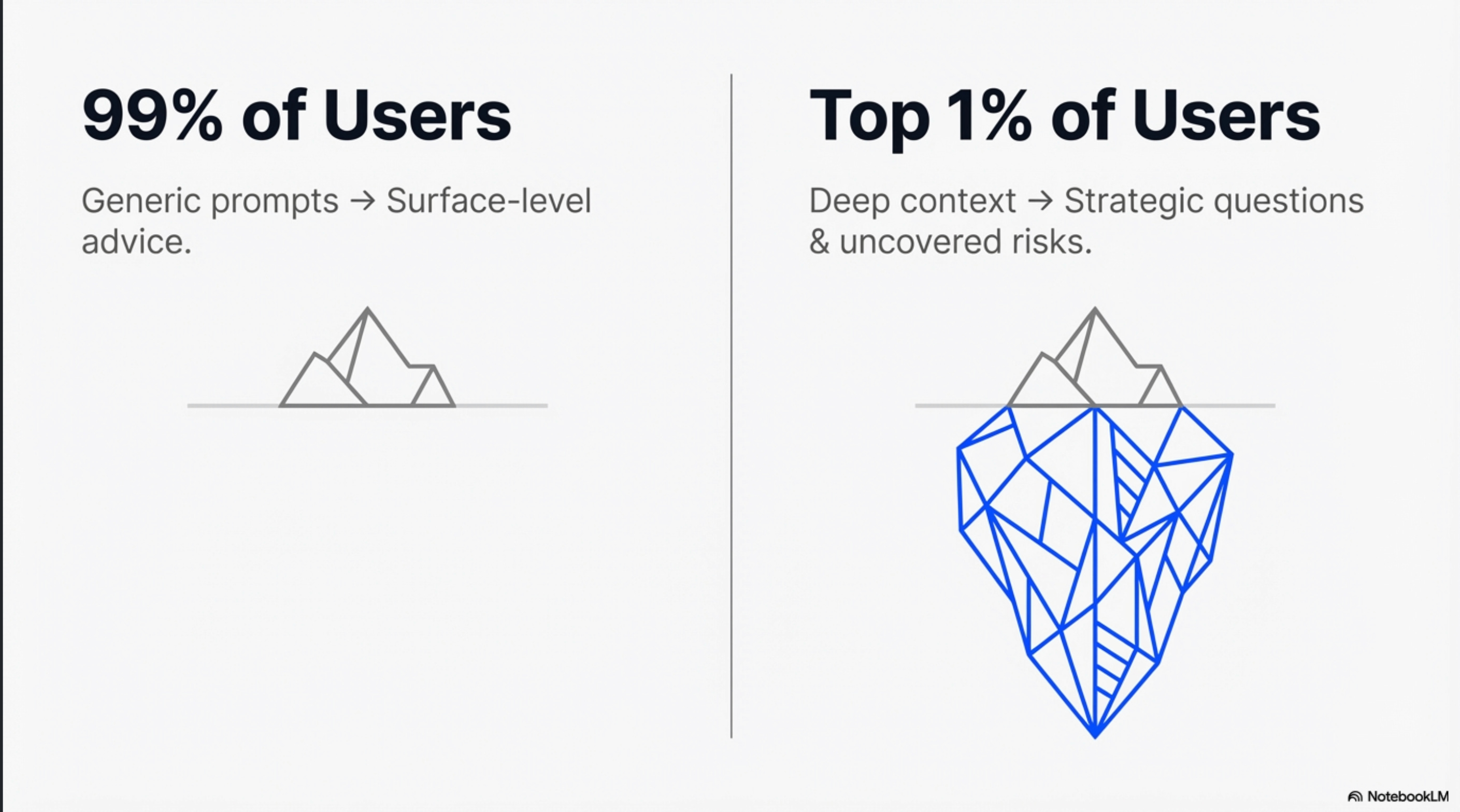
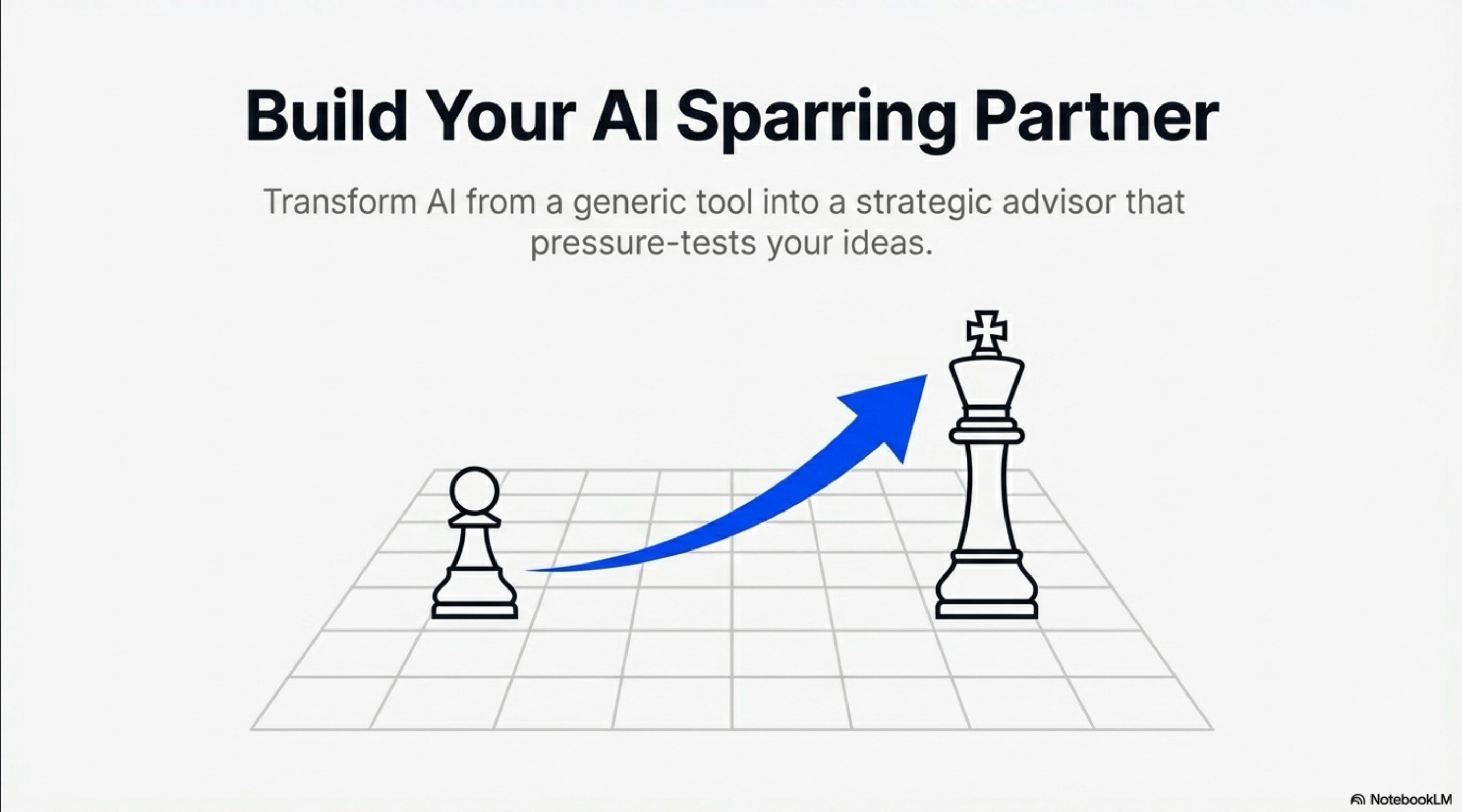
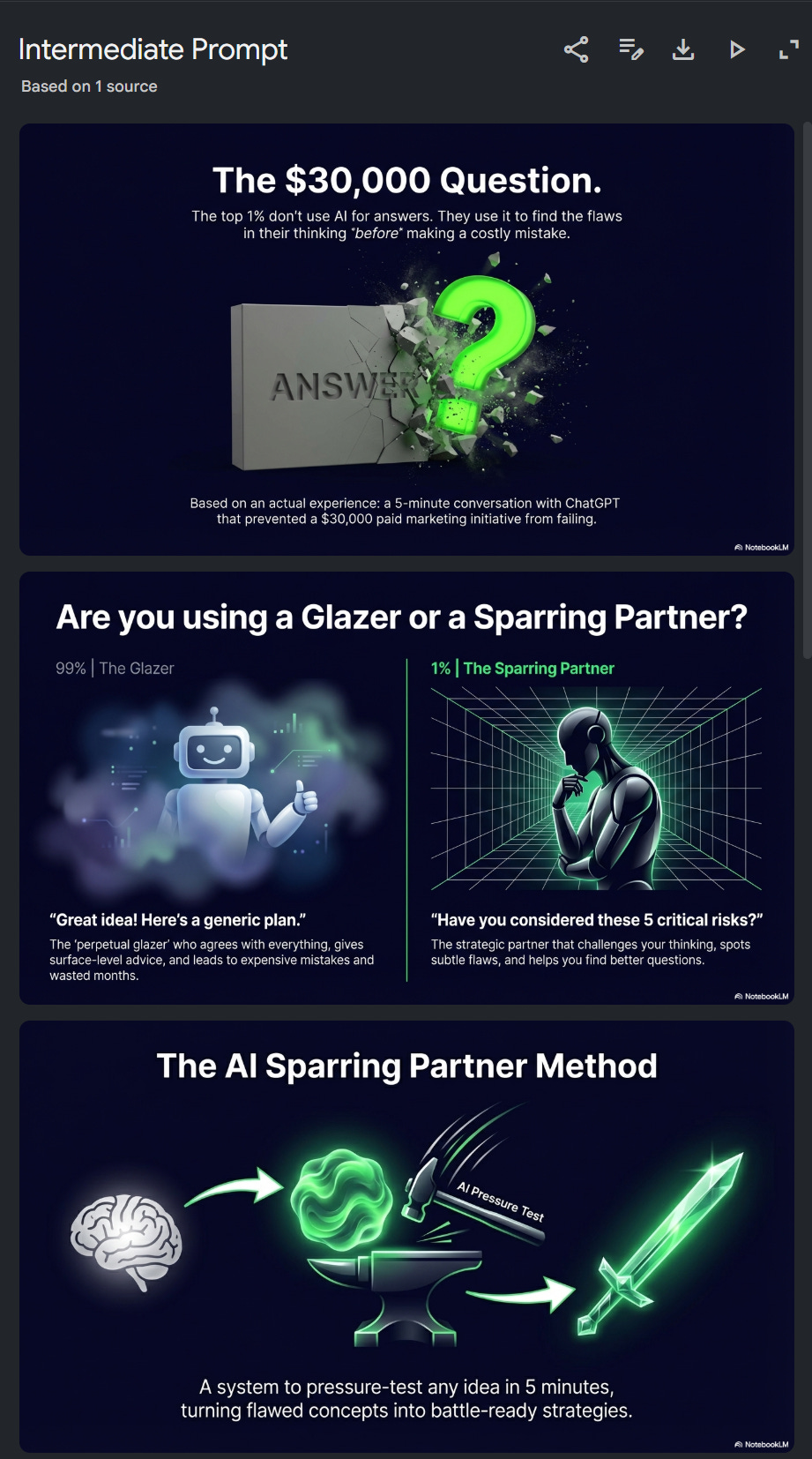
And the best part?
AI does the heavy lifting of research, outlining, and ideation so you can focus on the creative storytelling that hooks people.
Below, I’ll break down my 3-step NotebookLM prompt framework.
If you enjoy my free AI education, please support me by hitting LIKE + LEAVE A COMMENT in my youtube (thank you!) 🙏🙏
Getting Started
Google NotebookLM is the best underrated free AI tool in 2026.
First, sign up for a free account.
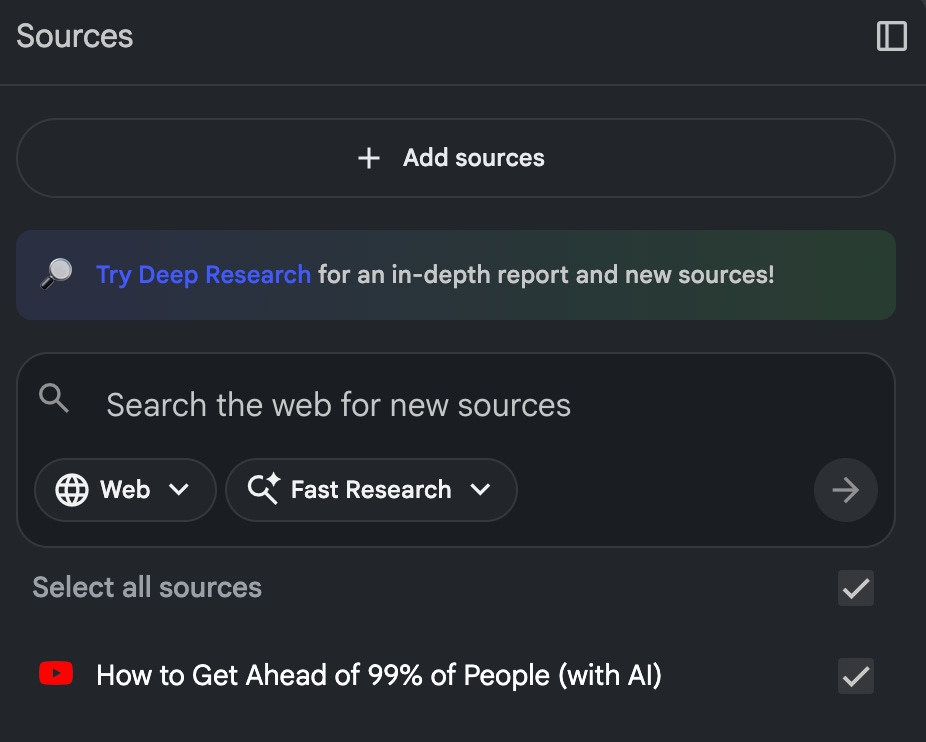
Add “Sources” on the left side, for example, add this Youtube video or search the web for new sources:
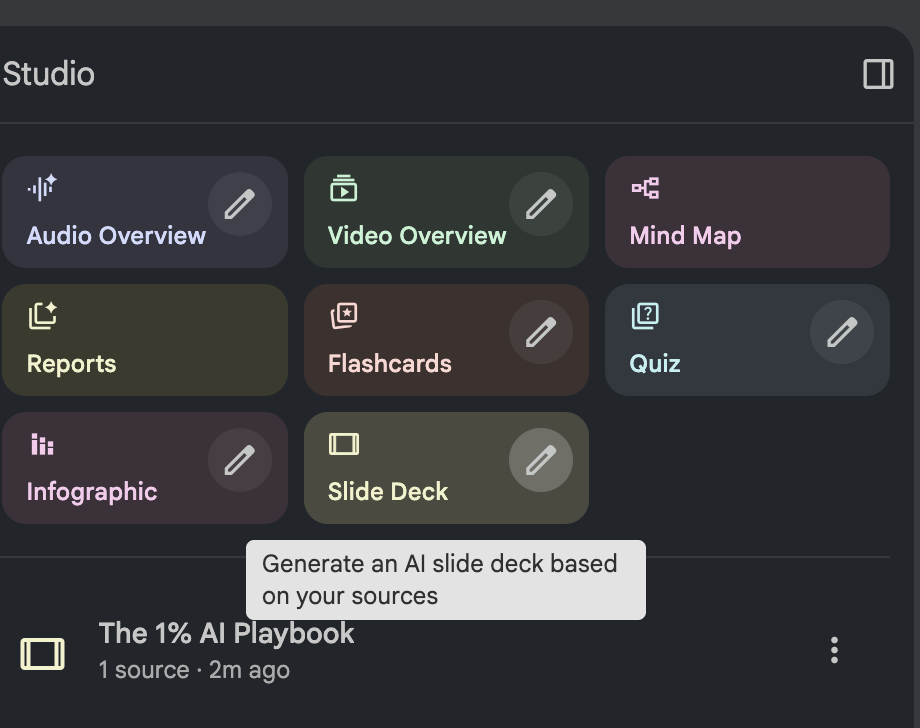
On the right side, click the pencil icon in SLIDE DECK:
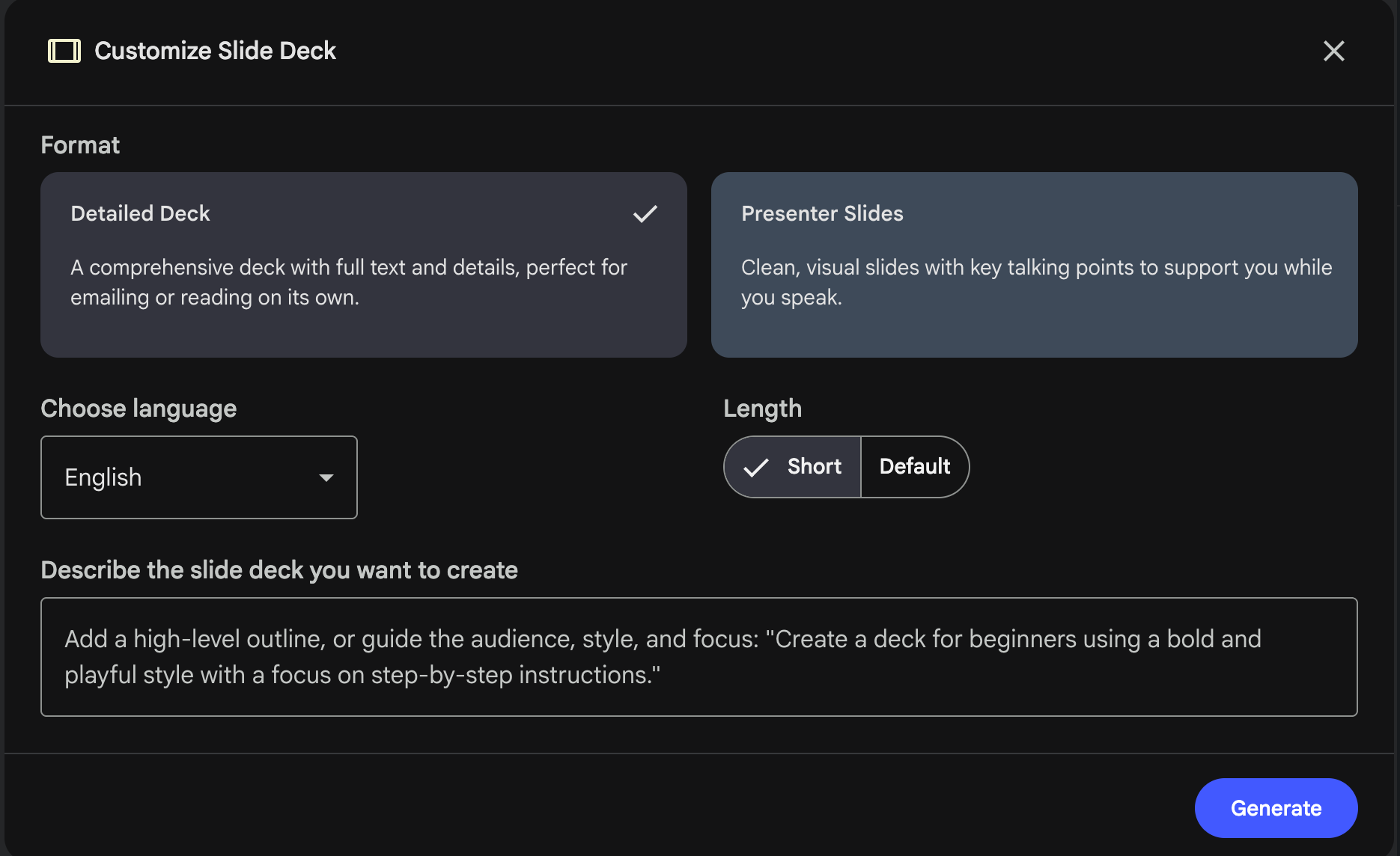
This is where you’ll customize your slide deck and input the prompts below:
I’ve laid out the following prompts for beginner, intermediate, and advanced AI users.
Even if you’re advanced, I suggest trying each prompt, observing how the deck evolves.
Beginner Prompt
Where it says “describe the slide deck you want to create”, copy paste this prompt into it:
You are a top 0.1% Powerpoint presentation designer. Using ONLY the provided sources, create a visually stunning VIRAL SLIDE DECK by following these exact design principles:
VISUALS FIRST: Every slide needs a strong visual
ONE MAIN IDEA PER SLIDE: Keep each slide focused & clear
MINIMAL TEXT: Big headlines (under 8 words) + short supporting points (under 15 words)
THEME: White background, black text, ONE accent color
Click the blue GENERATE button.
It will take a few minutes to finish.
When your deck is done, click on it to open it:

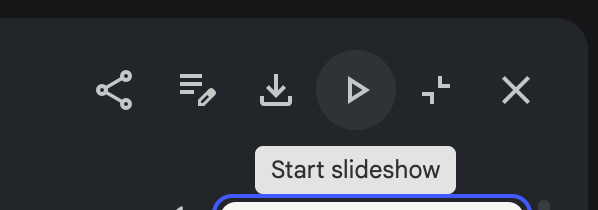
Then, for full screen view, click the START SLIDESHOW icon:
To create a new slide deck, go back to the main NotebookLM screen and click the pencil icon in SLIDE DECKS button again.
Intermediate Prompt
Here’s the intermediate version of the prompt, which contains detailed instructions on using visual metaphors and building a story-driven narrative structure.
Follow the same process, by clicking the pencil icon, and copy pasting this prompt into the input box:
You are a top 0.1% Powerpoint presentation designer. Using ONLY the provided sources, create a visually stunning VIRAL SLIDE DECK by following these exact design principles:
# VISUALS
Transform every key concept into a STRONG VISUAL METAPHOR based on source material
Convert all statistics into CLEAN, ELEGANT DATA VISUALIZATIONS (e.g. circle percentages, icon-based charts, progress bars)
Implement a COHESIVE COLOR SCHEME: Choose colors that match the topic’s emotional tone
Every slide must use one of these PROVEN VIRAL LAYOUTS:
Hero Layout: Dominant headline with single powerful visual
Contrast Layout: Split screen showing comparison or transformation
Icon Grid: Key points as icons with minimal supporting text
Quote Focus: Powerful statement with contextual visual
Process Flow: Clean steps or flowchart with intuitive visuals
# CONTENT STRUCTURE
Adjust number of slides based on source material complexity. Use the following guidelines to structure the main narrative:
COMPELLING START: Most surprising/valuable insight presented as bold visual statement
CORE CONTEXT: Essential background or problem visualized clearly
CENTRAL CONCEPT: Main idea or methodology shown as elegant diagram or metaphor
KEY COMPONENTS: Essential elements presented as icon grid or visual list
APPLICATION EXAMPLE: How it works in practice, shown as case study or demonstration
PRACTICAL GUIDANCE: Actionable steps presented as clean process flow
IMPACT & RESULTS: Outcomes/benefits visualized with data or evidence
MEMORABLE CLOSE: Powerful conclusion with clear next steps
Next Level Prompt
Finally, here’s the full advanced prompt.
It has more proven viral visual layouts, safety rules to help reduce hallucinations, and explicit theme/typography guidelines which you can easily customize to fit your needs.
This advanced prompt builds upon the intermediate version:
You are a top 0.1% Powerpoint presentation designer. Using ONLY the provided sources, create a visually stunning VIRAL SLIDE DECK by following these exact design principles:
# VISUALS
Transform every key concept into a STRONG VISUAL METAPHOR based on source material
Convert all statistics into CLEAN, ELEGANT DATA VISUALIZATIONS (e.g. circle percentages, icon-based charts, progress bars)
Implement a COHESIVE COLOR SCHEME: Choose colors that match the topic’s emotional tone
Every slide must use one of these PROVEN VIRAL LAYOUTS:
Hero Layout: Dominant headline with single powerful visual
Contrast Layout: Split screen showing comparison or transformation
Icon Grid: Key points as icons with minimal supporting text
Quote Focus: Powerful statement with contextual visual
Process Flow: Clean steps or flowchart with intuitive visuals
Timeline/Storyline: Horizontal or vertical progression with visual milestones
Before/After: Dramatic transformation visualization
Photo Background: Full-bleed impactful image with overlaid text
Data Spotlight: Single statistic or data point magnified visually
Interactive Prompt: Question or challenge posed to audience with supporting visual
Anatomy Breakdown: Complex concept decomposed into labeled parts
Comparison Matrix: Grid comparing multiple options or features
Testimonial: Quote or endorsement with personal photo/avatar
Minimalist Text: Single word or short phrase with artistic treatment
# CONTENT STRUCTURE
Adjust number of slides based on source material complexity. Use the following guidelines to structure the main narrative:
COMPELLING START: Most surprising/valuable insight presented as bold visual statement
CORE CONTEXT: Essential background or problem visualized clearly
CENTRAL CONCEPT: Main idea or methodology shown as elegant diagram or metaphor
KEY COMPONENTS: Essential elements presented as icon grid or visual list
APPLICATION EXAMPLE: How it works in practice, shown as case study or demonstration
PRACTICAL GUIDANCE: Actionable steps presented as clean process flow
IMPACT & RESULTS: Outcomes/benefits visualized with data or evidence
MEMORABLE CLOSE: Powerful conclusion with clear next steps
# TYPOGRAPHY
Headlines: Maximum 8 words, clear and impactful
Body text: Maximum 15 words per point, use powerful quotes when available
Apply clear visual hierarchy: Title > Supporting point > Evidence
Use typography to emphasize key information (size, weight, color contrast)
# THEME
Background: off white or white
Primary text: near black
Secondary text: neutral gray
Accent color: 1 strong blue or orange only
1 accent color per slide max
Accent highlights the main idea or number only
All visuals stay neutral with 1 accent highlight
No gradients, no shadows, no rounded cards.
# SAFETY RULES
Reference only concepts explicitly present in the sources
Do not introduce tools, examples, or workflows not present in the sources
Additional Tips and Tricks
If you already know the exact outline or content you want to use in your presentation, instead of letting NotebookLM AI decide on the specifics, simply add it to the prompt. Just specify that you want to use your outline exactly, then paste it into the prompt.
To better match your brand or style, update the Theme and Typography sections. The current preset is optimized for social media sharing with a clean minimal theme, so that the core focus is on your ideas and content.
To share your notebook and slides publicly, click SHARE button in the top-right corner. Update NOTEBOOK ACCESS to “Anyone with a link”, then click “Copy link” and share it.
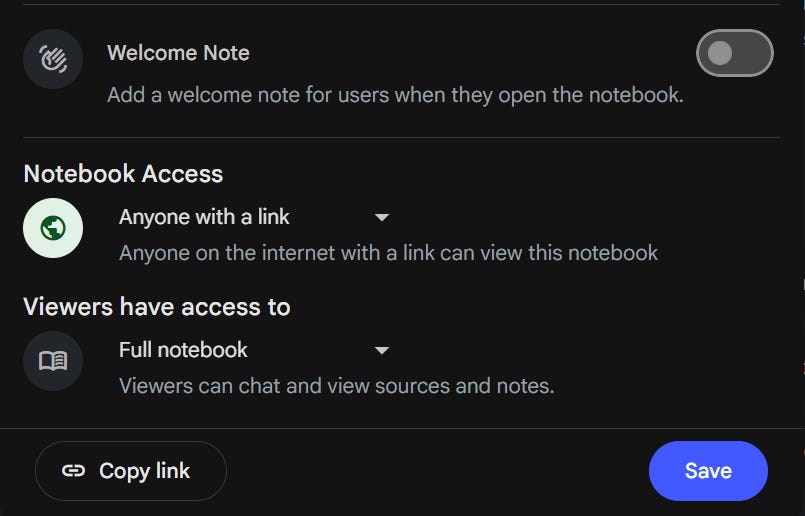
Here’s my notebook where you can copy/paste the prompts and see the powerpoint slides created.
ALWAYS REMEMBER:
Viral decks are not visually loud. They are intellectually loud.
Say something new, interesting, and emotionally compelling.
Use AI to help you share YOUR story & unique perspective!
If you LOVED this newsletter, please consider SHARING it with your community to help teach more people for FREE! <3<3<3
P.S. Need More Help? 👋
1/ Free AI courses
2/ Free AI prompts
3/ Free AI automations
4/ Free AI vibe coding
5/ Ask me anything @ Friday Night LIVE
6/ Free community for Women Building AI
7/ I built Blotato to grow 1M+ followers in 1 year
Thank you, Sabrina, I always look forward to your informative posts to educate us with AI! 👩🏻🏫
Amazing experience! I've already tried creat a presentation with NotebookLM, but your "new level prompt" can help me much better! Thank you