

TLDR; here are 6 copy-paste
/goalprompts to build real things with Claude Code and Fable in 2026: a 3D simulation, a game, an interactive dashboard, a full week of content, a 24/7 A/B test for DM automation, and a trip itinerary, plus my prompt template.Follow along the Youtube livestream here.
Last newsletter, I wrote about loop engineering.
Since then my inbox was flooded with 1 question:
» OK, but what do I actually BUILD with this?…
Sort files is a good baby step…
But it’s not INSANE.
So I sat down and tested 6 awesome projects.
A spider that learns to climb stairs. Flying a dragon. Visualizing human interest at scale. An A/B test optimizing while I sleep.
Who this is for:
People who already have Claude Code and want to master loop engineering’s /goal command with cool projects.
Who this is NOT for: if you haven’t run your first /goal in Claude Code, start with this loop engineering intro.
In case you missed it:
REMEMBER: never send me money! Don’t fall for impersonators.
Simple Prompt Engineering Template
Claude Fable is built for long agentic runs where Claude works for many steps toward a finish line, not just a single chat reply.
If you’re in Claude Code, that’s the model you want to use here.
What you need before you start:
Claude Code account on a paid plan (Pro or Max)
/goal command is limited to Claude Code
Every prompt below follows the same 5-part shape:

/goal
TASK: [What Claude should do]
WHY: [Why this matters or who it is for]
OUTCOME: [The exact finished result]
CONSTRAINTS: [What Claude must or must not do]
VERIFICATION: [How Claude should prove the outcome is complete]
Let’s break down each item:
TASK: the verb. What you want Claude to DO for you.
WHY: who it’s for or why it matters, the big picture. For Claude Fable, it’s highly recommended to give this context.
OUTCOME: the finished result, specific enough that “done” is clear; imagine talking to a coworker.
CONSTRAINTS: the guardrails, limitations, things NOT to change, how many turns to stop at.
VERIFICATION: the checker. How Claude proves it achieved your desired OUTCOME, not just lying to your face.
Hardest part is defining a clear measurable VERIFICATION step.
Be specific in OUTCOME and blunt in CONSTRAINTS.
“Make it good” isn’t a finish line.
“Scores over 8+ out of 10 using my custom grading skill” is.
1. 3D Simulation
Let’s start with our first project!
Open up Claude Code terminal.
This builds a spider simulation inside Genesis-World, an open-source physics simulator built for robotics and physical AI.
It’s learning to climb stairs:
It’s cool because it’s the same category of problem real robotics labs care about.
Give an agent a body and a goal, let it fail THOUSANDS of times, and watch it learn the skill eventually.
Training a policy from scratch takes real compute time and a few rounds of tuning, even with Claude driving it, estimate 60 minutes.
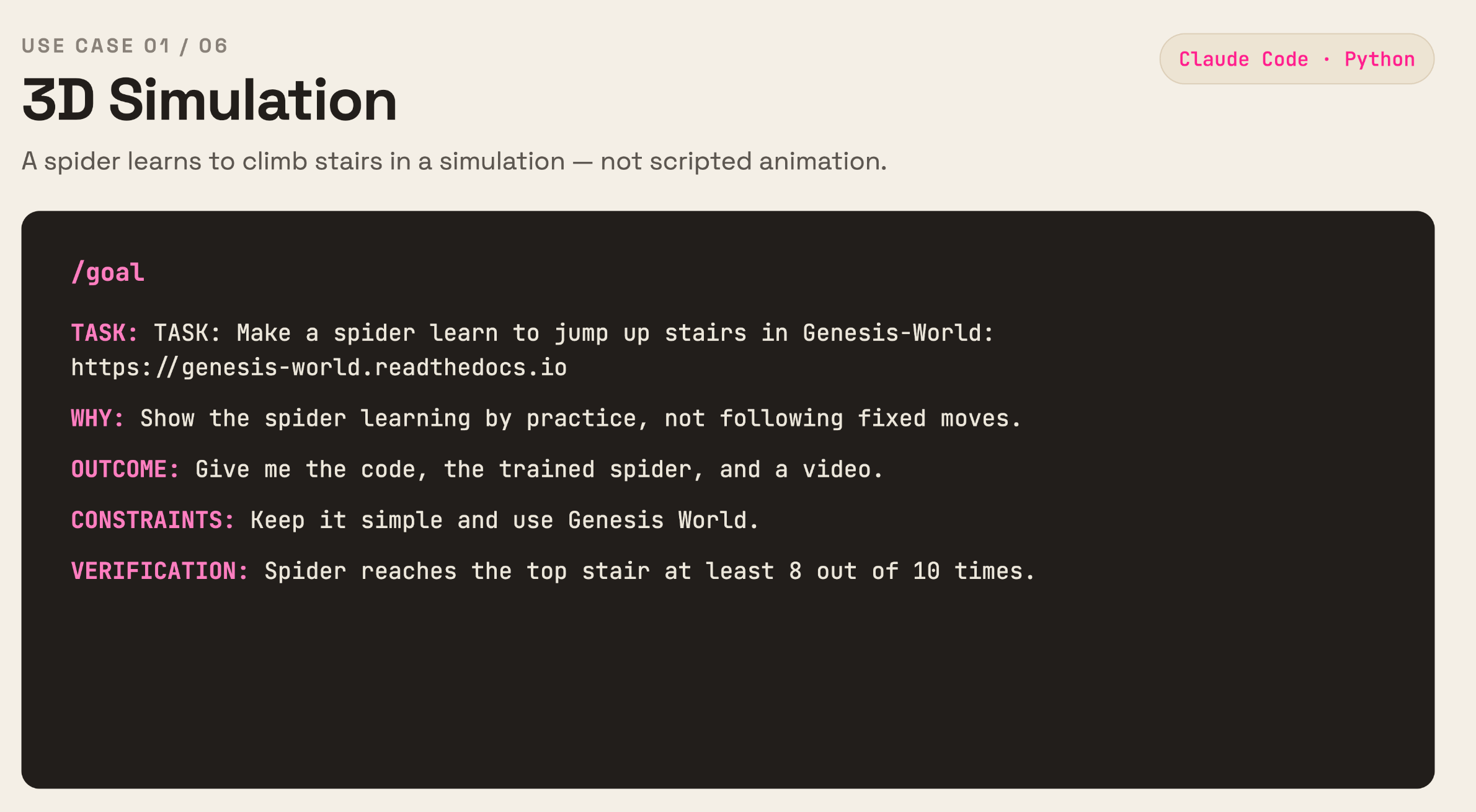
/goal
TASK: Make a spider learn to jump up stairs in Genesis-World: https://genesis-world.readthedocs.io
WHY: Show spider learning by practice, not following fixed moves.
OUTCOME: Give me the code, the trained spider, and a video.
CONSTRAINTS: Keep it simple and use Genesis World.
VERIFICATION: Spider reaches the top at least 8 out of 10 times.
This project and the next are both fun to do with your kids btw!
2. Gaming
Now let’s build a playable game where you fly a dragon through a fantasy world, POV from on top of the dragon.

Make sure you’ve installed Claude in Chrome, so that Claude can play your game and fix any issues. This tool gives Claude the ability to “see and control” your web browser, so that it can load the game, press the controls, and make sure things work.
Here’s the prompt:
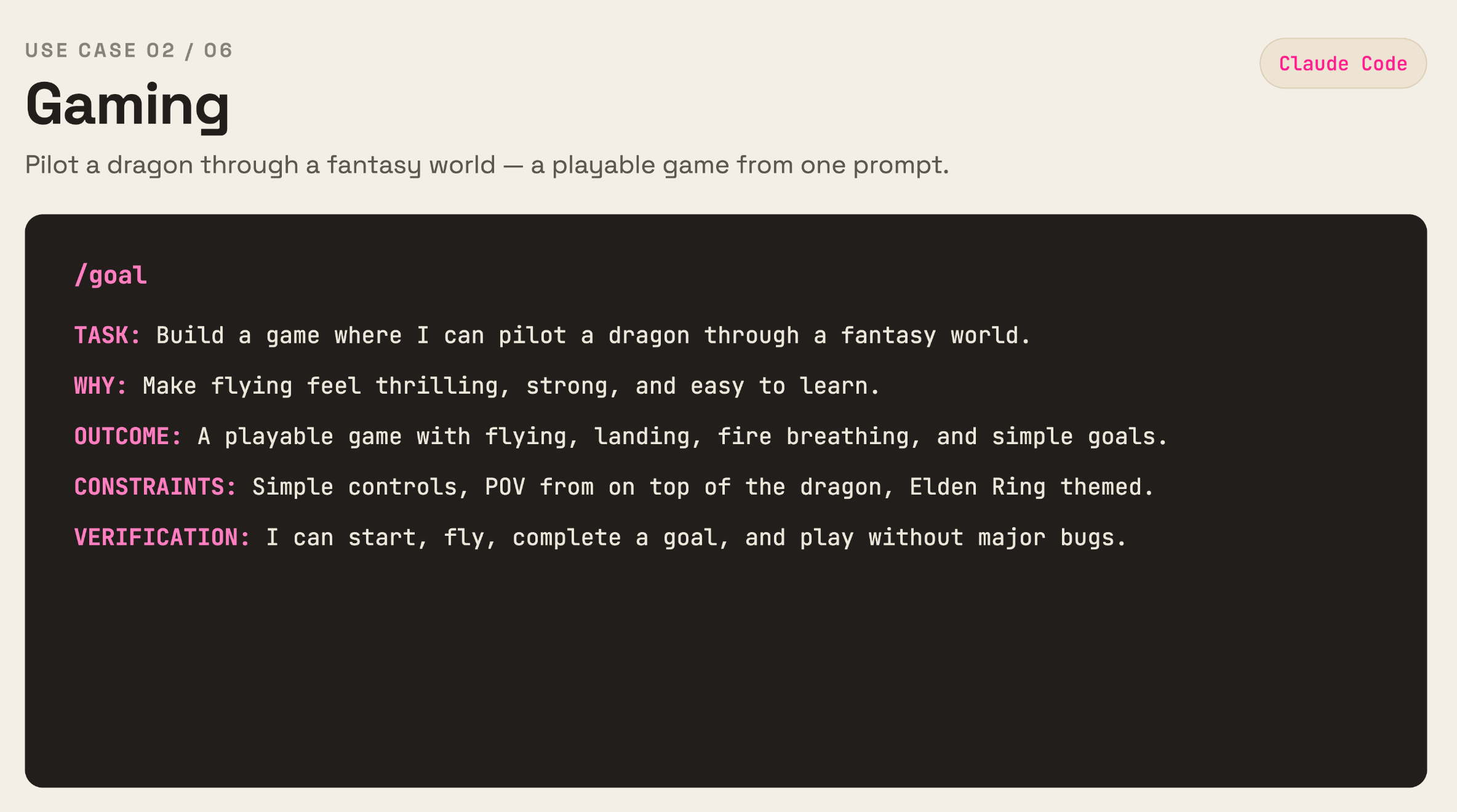
/goal
TASK: Build a game where I can fly a dragon through a fantasy world.
WHY: Make flying feel thrilling, strong, and easy to learn.
OUTCOME: Give me a playable game with flying, landing, fire breathing, and simple goals.
CONSTRAINTS: Keep the controls simple, from the POV of sitting on top of dragon, Elden Ring themed.
VERIFICATION: I can start the game, fly the dragon, complete a goal, and play without major bugs.
3. Visualization
Now let’s build an interactive visualization to explore human interest at scale.
Play around with it here.

This scrapes top YouTube creators with Apify, pulls their videos with 1M+ views, and builds an interactive dashboard so you can actually SEE which concepts show up on the biggest hits.
For example:
$1
Survive
Fight
Win
Run this in Claude Code, with Apify MCP connected.
Notice the CONSTRAINTS excludes non-English channels, music, gaming, and media, so the patterns you find are actually relevant to YOUR niche, not noise from irrelevant channels.
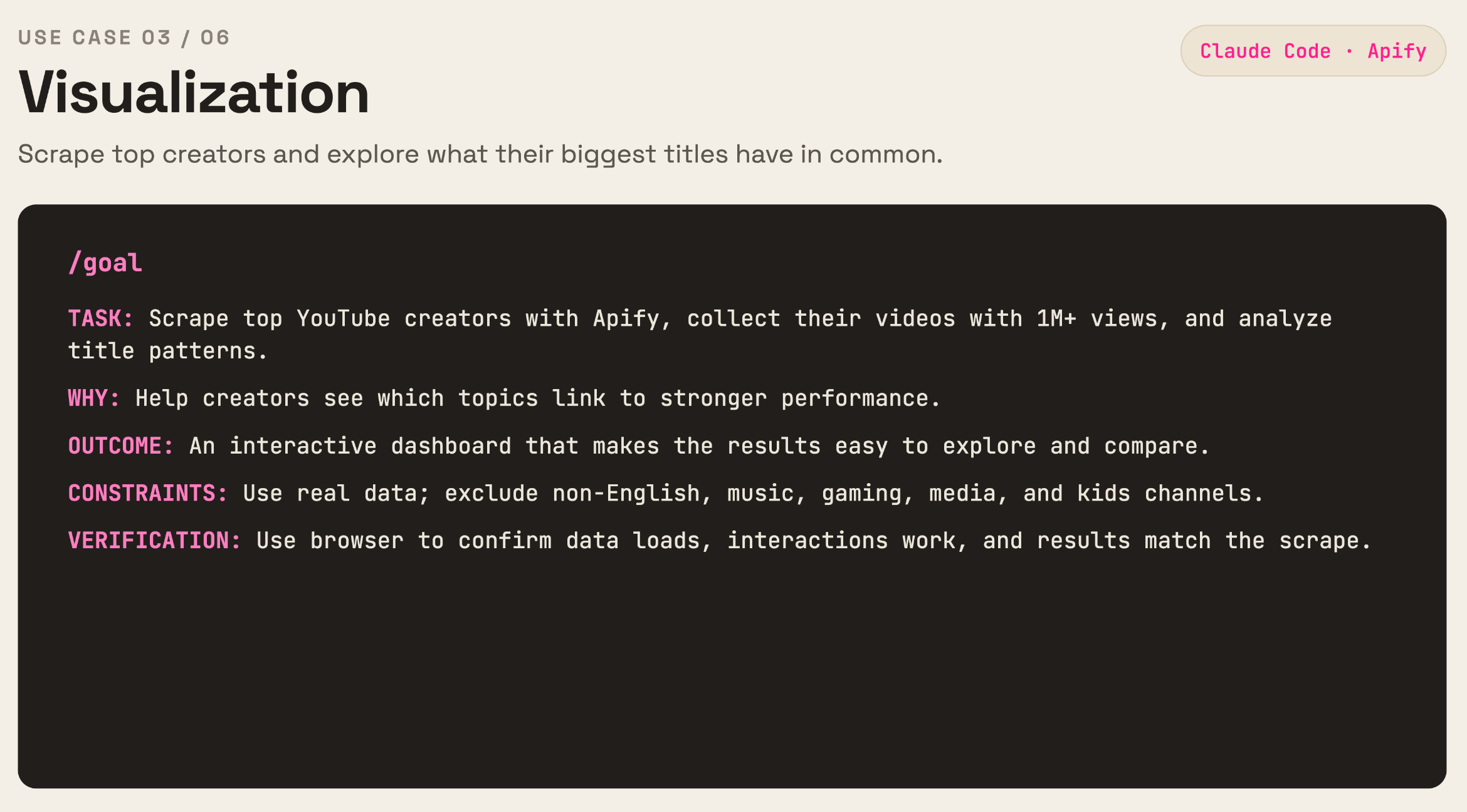
/goal
TASK: Scrape top YouTube creators with Apify, collect their top videos with 1M+ views, and analyze patterns in their video titles.
WHY: Help creators understand which topics are linked to stronger performance.
OUTCOME: An interactive dashboard that makes the scraped results easy to explore and compare.
CONSTRAINTS: Use real data, and exclude Youtube channels that are non-English, music, predominantly gaming (e.g. XBOX), media (e.g. Netflix, BBC), or for kids.
VERIFICATION: Use browser to confirm the data loads correctly, the main interactions work, and results match the scraped data.
4. Marketing
Use a viral marketing plugin to build a week of ready-to-post content, shown to you in a Claude Artifact so you can review it.

In the prompt below, pay special attention to VERIFICATION.
It doesn’t just say “make good posts” which is vague and not measurable…
(btw, you’d be shocked how many senior marketing leaders prompt like this…)
Instead, the VERIFICATION step sends all posts through the skill
/post-graderwhich scores them on a viral rubric. Then, Claude must loop and improve each post until they all score above 8/10.
This is a much better verification step than “make it gud”.
Don’t expect 1 pass to clear 8/10 across the board.
Claude will AUTOMATICALLY go through 2-3 rewrite rounds per post, and that’s the whole point!
The purpose of “loop engineering” with
/goalis to REMOVE YOU from prompting Claude every single time.
Give Claude the tools it needs to evaluate its own work and keep improving to reach the finish line.
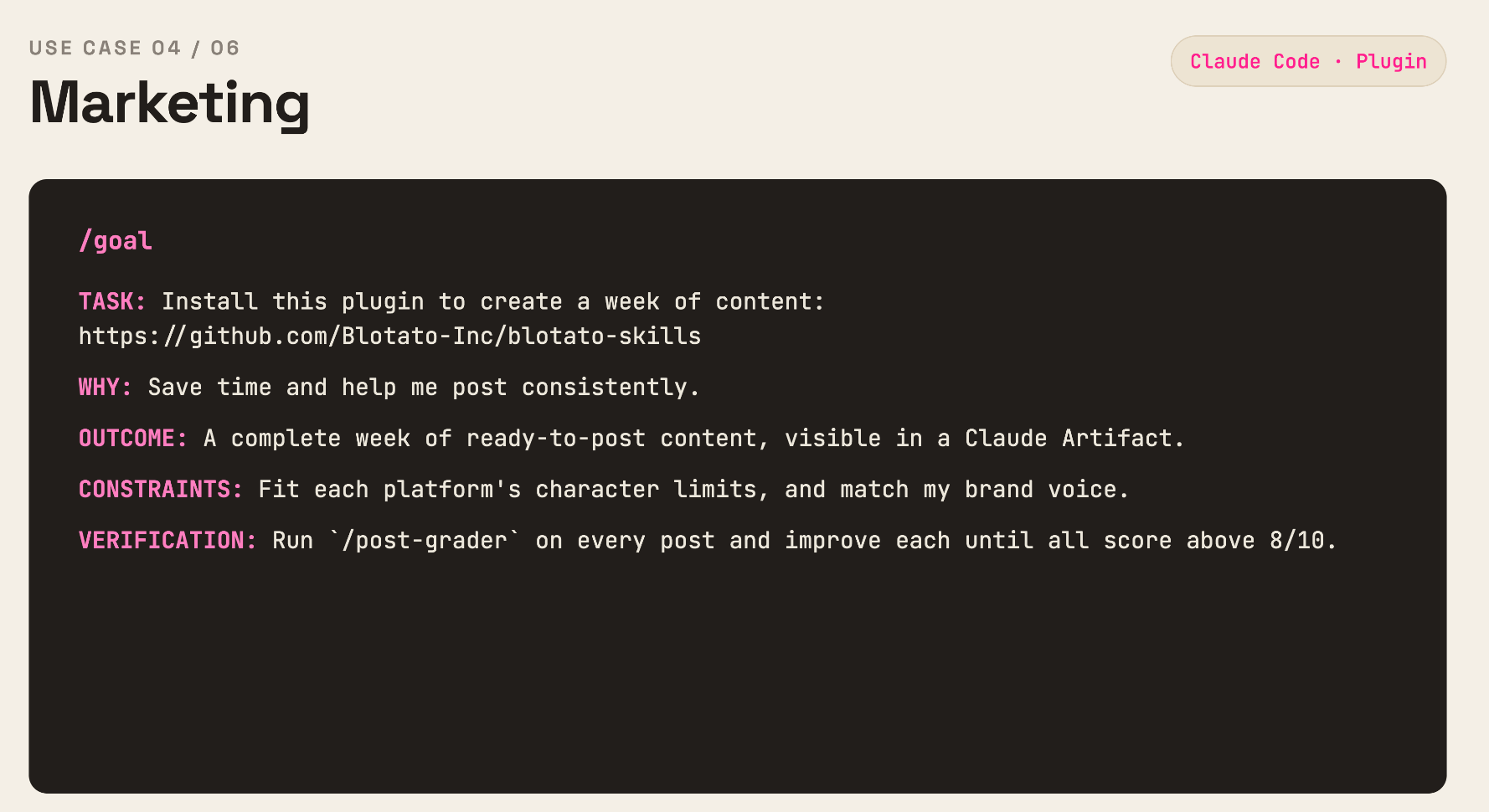
/goal
TASK: Install this plugin to create a week of content: https://github.com/Blotato-Inc/blotato-skills
WHY: Save time and help me post consistently.
OUTCOME: A complete week of ready-to-post content, visible in a Claude Artifact.
CONSTRAINTS: Fit each platform’s character limits, and match my brand voice.
VERIFICATION: Run `
/post-grader`on every post and improve each one until all scorabove 8/10.
Note: this plugin is 100% FREE, you do NOT need to use Blotato.
5. A/B Testing
This one is INSANE for every business owner!!
So good, I almost decided to gatekeep it to myself :)
But I wanna be your favorite anti-guru so here you go! <3

I used Claude Fable to run a 3-day A/B test on my new-follower DM automation in Instagram.
Every 4 hours:
Claude would check click-through rate results from the A/B test
rewrite the losing hook with a new angle (e.g. curiosity, exclusivity, urgency, social proof)
launch a new A/B test with the new DM message
wait 4 hours for data to come in to see the new winner
repeat… until achieving XX% CTR
This is loop engineering with the training wheels off!
It ran for 3 days continuously with minimal oversight.
And TRIPLED my conversion rates, which has huge downstream effects, for example, on my daily email newsletter signups :D
The VERIFICATION step doesn’t just ask for a winner. It asks for each test’s numbers, whether the difference is real or just noise (e.g. do we have enough samples, how confident are we), and driving towards a clear copywriting winner.
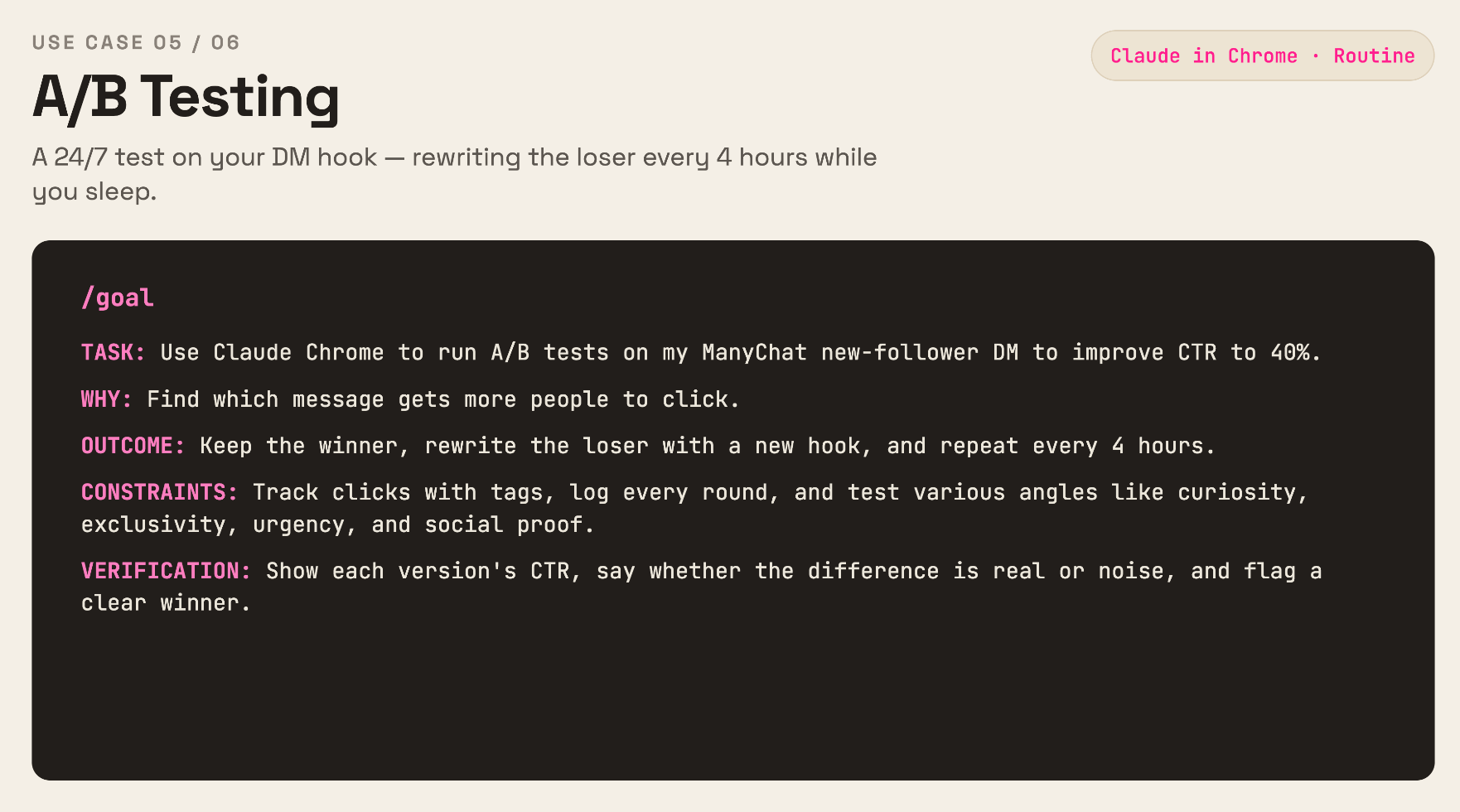
/goal
TASK: Use Claude in Chrome to run 50/50 A/B tests on my ManyChat new-follower DM to improve CTR to 40%.
WHY: Find which message gets more people to click.
OUTCOME: Keep the winner, rewrite the loser with a new hook, and repeat every 4 hours.
CONSTRAINTS: Track clicks with tags, log every round, and test curiosity, exclusivity, urgency, and social proof.
VERIFICATION: Show each version’s clicks and CTR, explain whether the difference is real or noise, and tell me when we have a clear winner.
What’s really cool?
You can use this framework for many other A/B test scenarios, like:
A/B testing website copy to improve button CTR
A/B testing GoHighLevel workflow automations
A/B testing your cold Linkedin DM message
A/B testing Facebook ad copy
All running OVERNIGHT 24/7 while you sleep, launching a new A/B test, waiting to review results, and iterating.
6. Trip Planning
I probably should’ve done this example first…
It’s the simplest of all.
This builds a full 3-day itinerary for a group trip, travel, lodging, restaurants, activities, and costs, balanced against everyone’s preferences instead of 1 person doing all the planning in a group chat that goes nowhere.

The CONSTRAINTS line handles budget and food needs, while the VERIFICATION line forces Claude to actually confirm places are open on your dates instead of hallucinating an impractical plan.
As someone who lives in Salt Lake City, I honestly rated the itinerary 7.5/10!
Very good & practical.
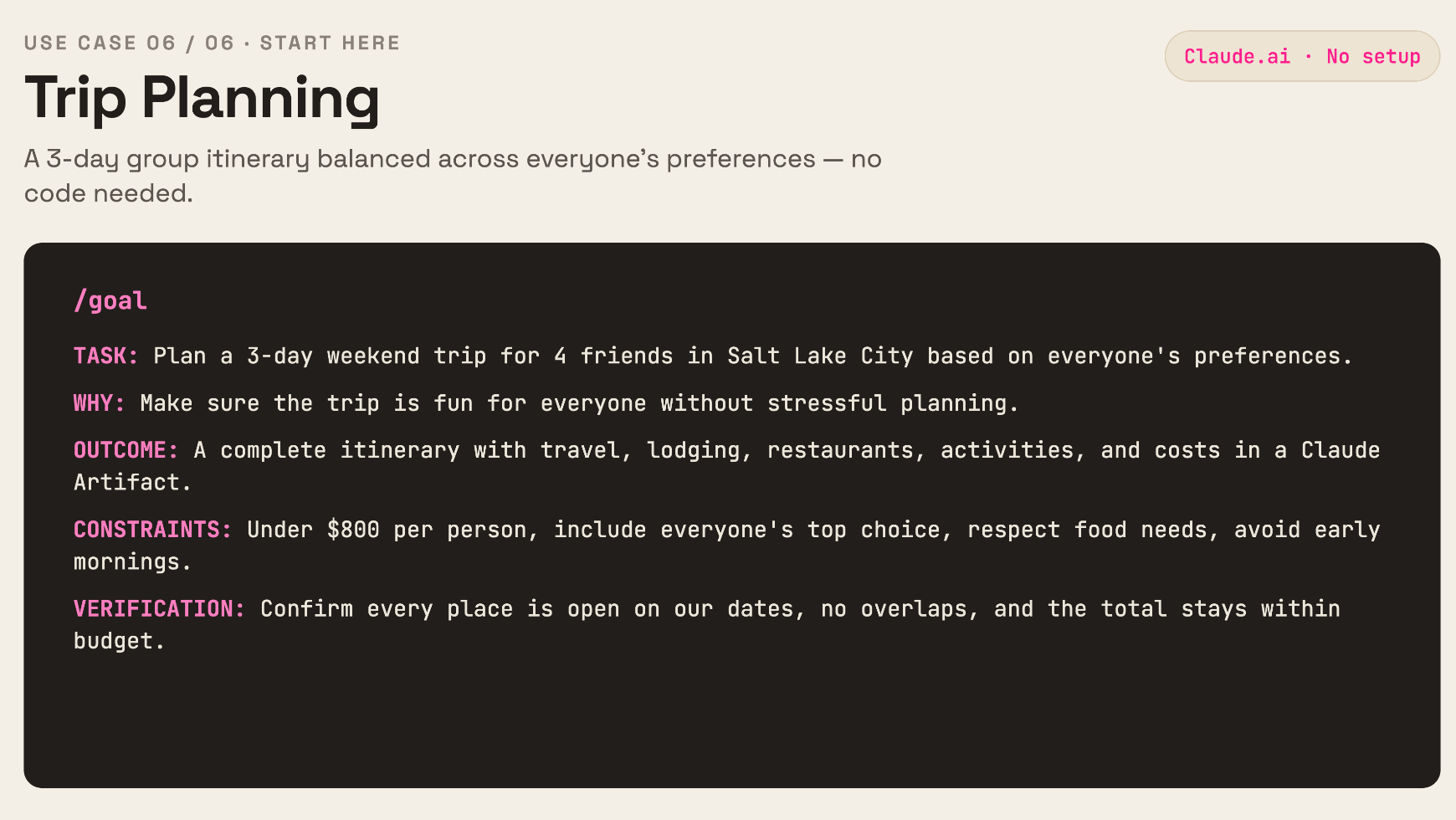
/goal
TASK: Plan a 3-day weekend trip for 4 friends in Salt Lake City based on everyone’s preferences.
WHY: Make sure the trip is fun for everyone without stressful planning.
OUTCOME: A complete itinerary with travel, lodging, restaurants, activities, and costs, shown in a Claude Artifact.
CONSTRAINTS: Stay under $800 per person, include everyone’s top choice, respect food needs, and avoid early mornings.
VERIFICATION: Confirm every place is open on our dates, the schedule has no overlaps, and the total cost stays within budget.
RECAP
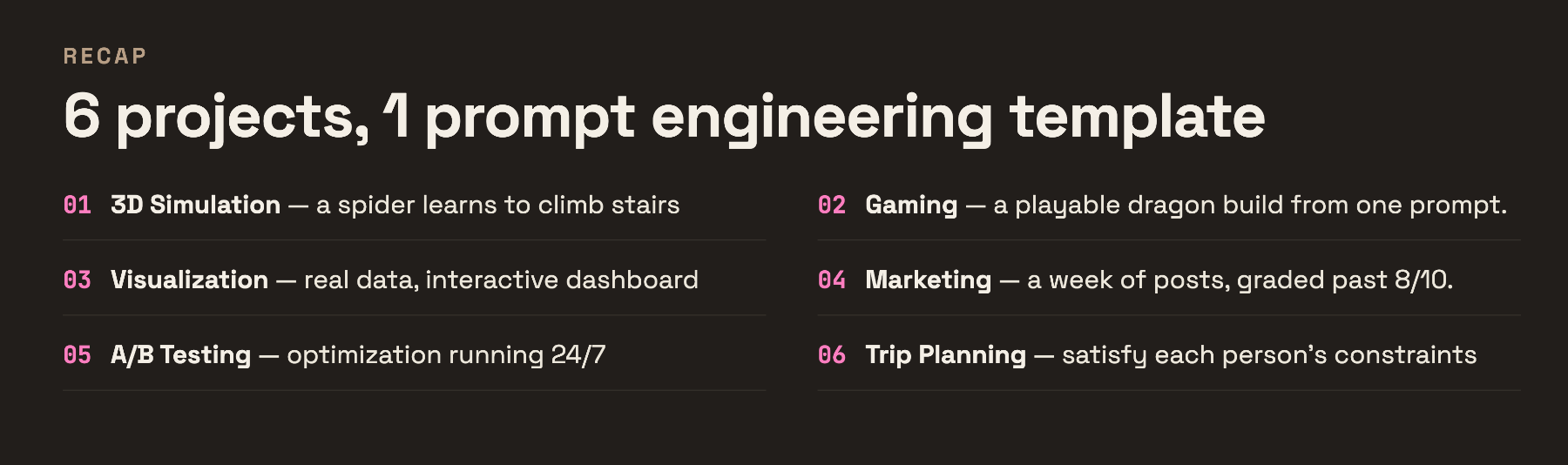
6 projects, 1 prompt engineering template!
Key Patterns:
TASK and OUTCOME describe what you want to do and the deliverable.
CONSTRAINTS help keep AI from running wild.
VERIFICATION is what turns a prompt into an actual /goal that AI can use to introspect and drive towards completion.
Pick 1 of these 6 projects.
Start today! (otherwise you’ll forget)
Pay attention to VERIFICATION. That’s the finish line.
Let Claude prove to you it’s done, not just lie to your face!
FAQ
What is the /goal command in Claude Code?
It’s a command that gives Claude a finish line instead of a single instruction. Claude keeps working, checking its own progress, until the OUTCOME is met or it hits the turn cap you set in CONSTRAINTS.
What is Claude Fable, and do I need it for these prompts?
Claude Fable is Anthropic’s newest Claude model, built for longer agentic runs like the 6 projects above. You don’t strictly need it to try /goal, but it’s the model I’d point these at for the best results on multi-step builds.
Do I need to know how to code to run these prompts?
No, for #5 and #6. #1 through #4 run in the Claude Code app, which is more technical, but Claude still writes and runs the code. You’re steering, not typing syntax yourself.
What if a /goal prompt runs forever or gets stuck?
Add a turn cap in CONSTRAINTS, like “stop after 30 turns.” Type /goal by itself to check status, or /goal clear to stop it early.
Can /goal handle non-coding tasks like trip planning or DM testing?
Yes. #5 and #6 above prove it. The same 5-part template works whether Claude is writing code or planning a weekend, the TASK and VERIFICATION lines just change.
Why does the VERIFICATION line matter so much?
Without it, Claude has no way to prove OUTCOME actually happened, so it either stops too early or loops forever guessing. A good VERIFICATION line gives Claude something it can literally check, like a video, a click-through rate, or an open-hours confirmation.
P.S. Need More Help? 👋
1/ Free AI courses
2/ Free AI prompts
3/ Free AI automations
4/ Free AI vibe coding
5/ Ask me anything @ Friday livestream
6/ Free private community for Women Building AI
7/ I built Blotato to grow 1M+ followers in 1 year