

TLDR: I switched from Claude to ChatGPT Codex because its superior browser and smoother Computer Use make scheduling automations 10x more useful.
People think I’m a Claude shill.
But I’ve never been paid by Anthropic or OpenAI.
I started using Claude Code fulltime early 2025…
After ditching Cursor.
The thing is…
I will always HAPPILY switch to better alternatives that help me make more money, save time, or teach more people.
Because my allegiance isn’t paid for 👀
But there hasn’t been a better alternative than Claude…
Until now…
After 10 days of testing, Codex is now my main AI tool.
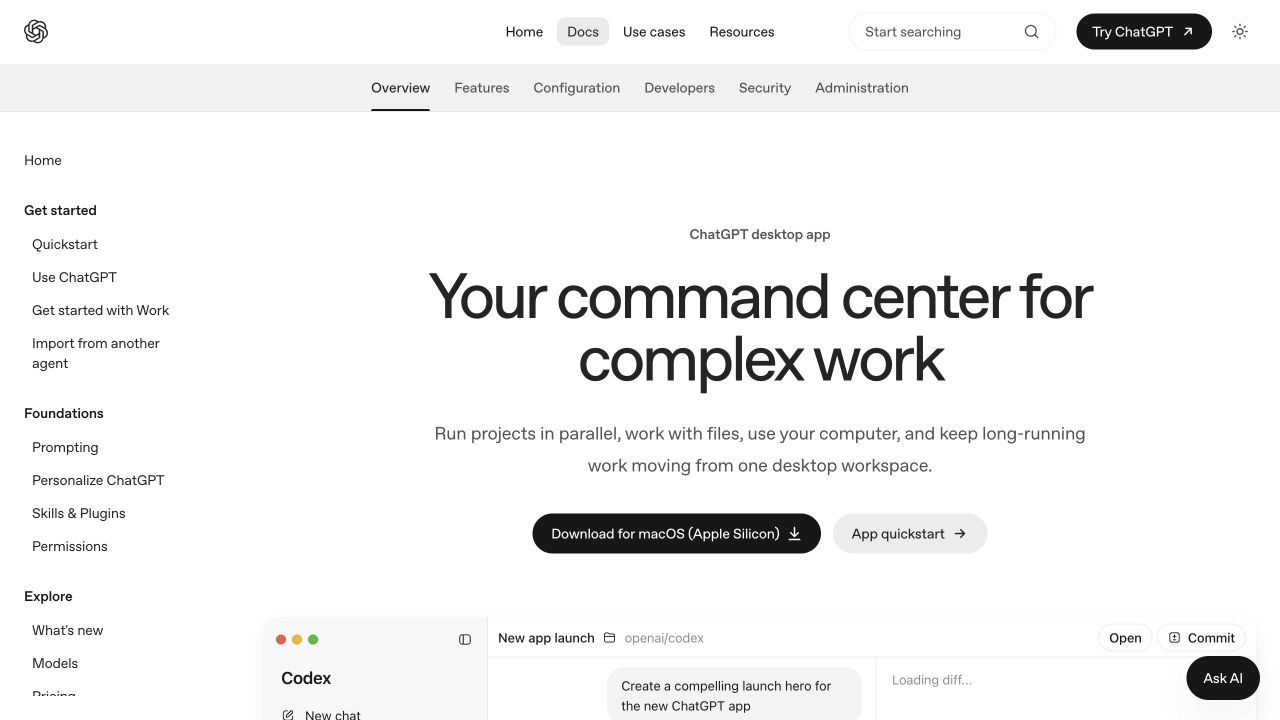
I tracked time, errors, cost, and app switches.
Only 1 task was better in Claude.
I’ll explain it below.
To follow along the livestream with live examples, watch here:
1. Codex Has A Far Superior In-App Browser
Codex’s built-in browser keeps pages, chat, files, and feedback in 1 workspace.
Just hit “CMD + T” and it will open a new browser tab.

In my work, it is FAR superior to Claude’s Chrome integration.
Try it:
Open “Plugins,” enable “Browser,” then type a page and goal.
Check the page before any login, purchase, or public post.
SAMPLE PROMPT: research 3 competitors pricing pages
Sit back and watch Codex’s browser work, fast!
Not only can Codex use my browser, it can control my Mac.
2. Codex Computer Use Is Superior And Smoother
Computer Use lets Codex use approved Mac apps.
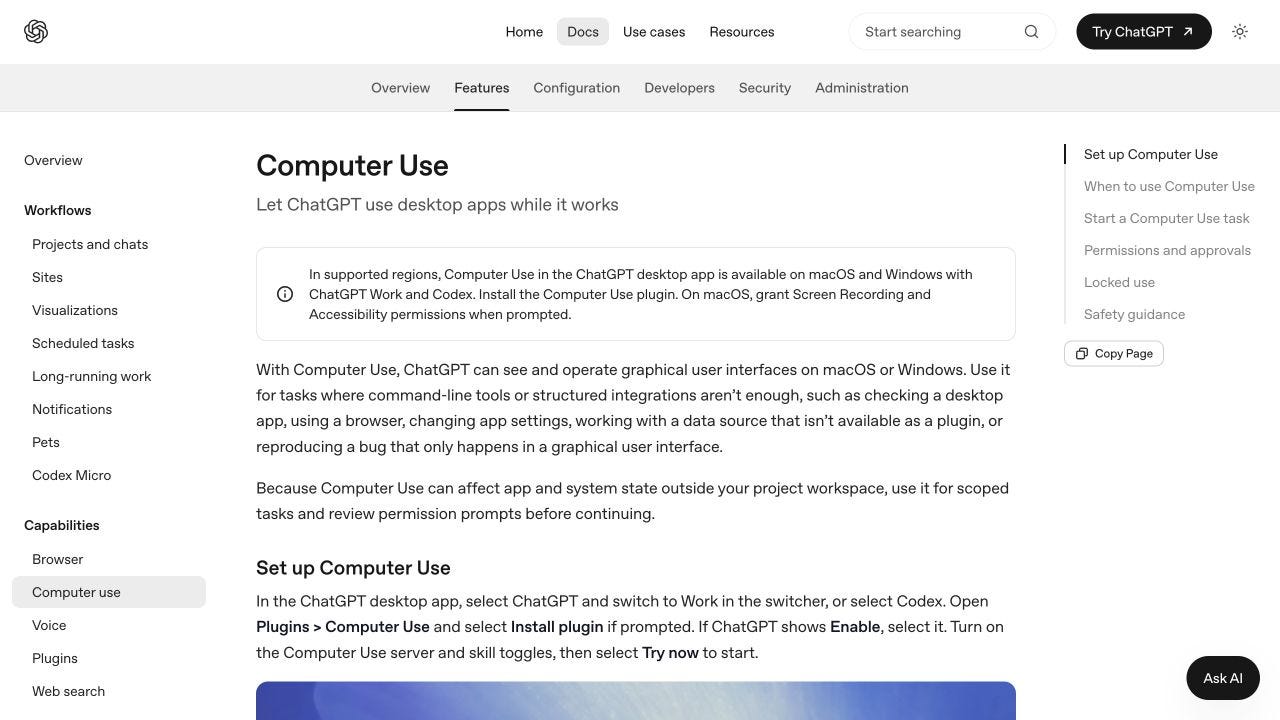
Claude technically has computer use too.
But in all my tests, Codex felt smoother and finished more jobs with fewer delays/excuses/hallucinations.
Try it:
Install “Computer Use” under “Plugins.”
Mention “@Computer,” name 1 app, and give a clear finish line.
SAMPLE PROMPT: open up ____ app and do something simple in it.
Now, scheduling becomes far more useful…
Subscribe to my Youtube and hit the “notification” bell
So that you never miss my free trainings 👇
3. Unified Scheduling Is My #1 Reason
Codex Scheduled tasks puts every job in 1 sidebar.
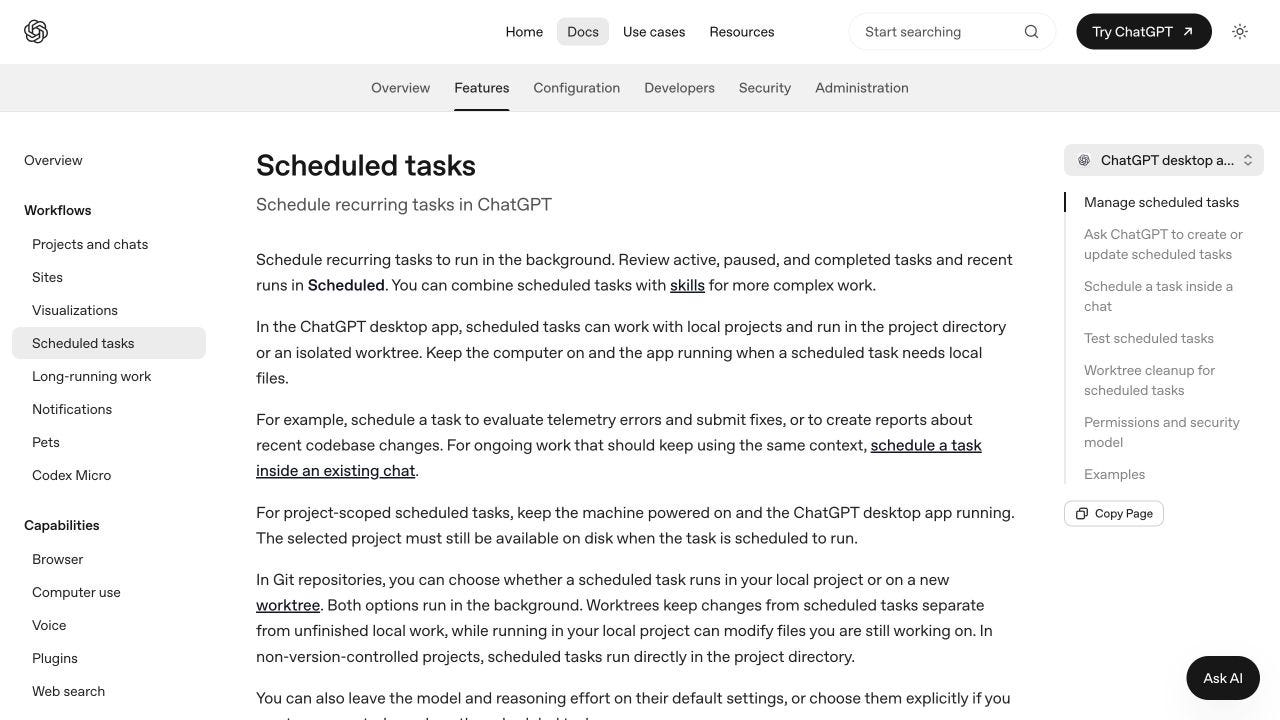
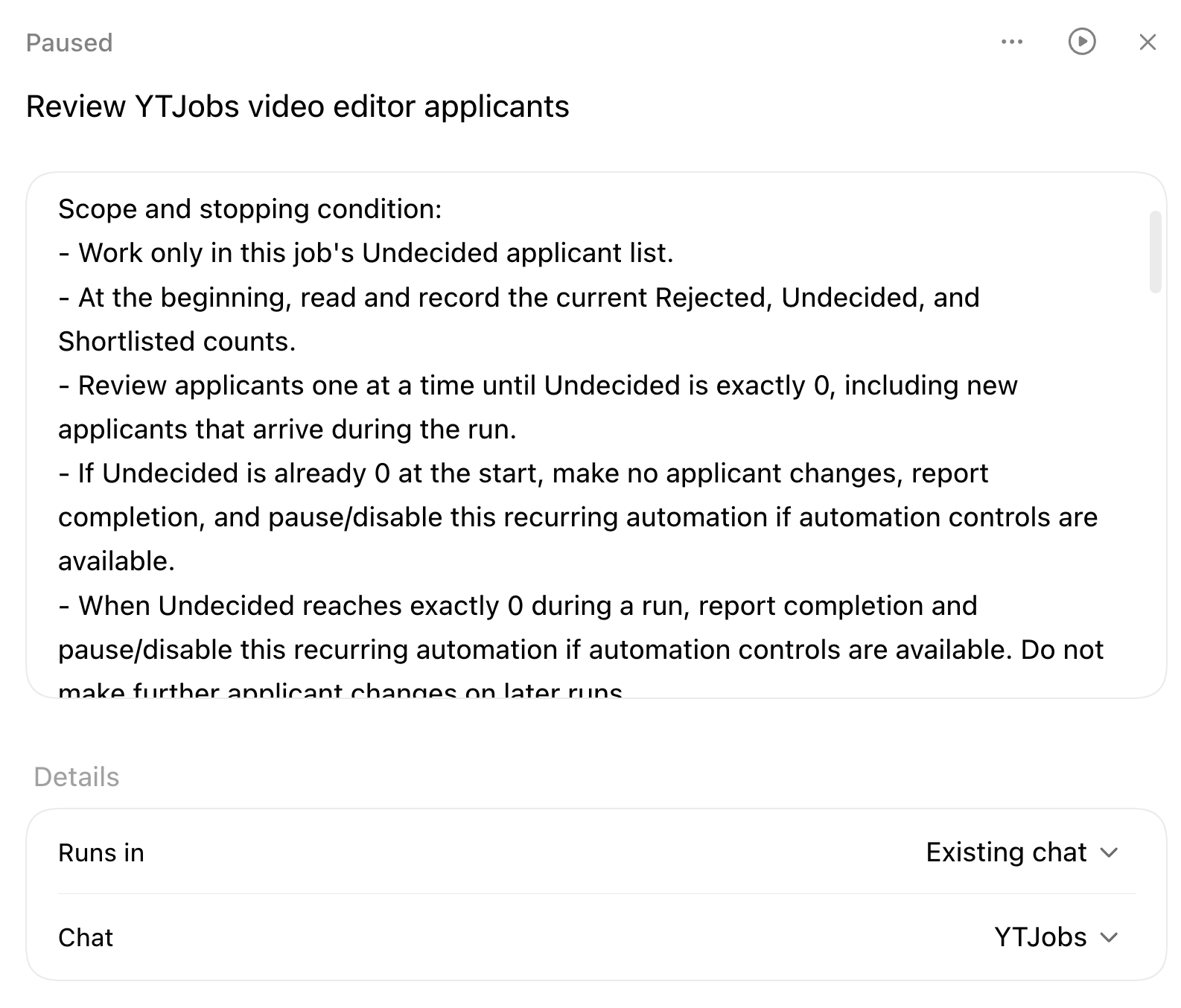
A Codex scheduled task can use the in-app Browser and Computer Use.
Compare this to Claude’s 3 different places…
Cowork has “Scheduled” tasks
Claude Code has “Routines”
Then there’s the Claude Chrome extension as well
Fragmentation and context switch drain my mental energy…
THIS is the main reason I switched.
Super useful for automations, especially for websites where you’re required to be logged in and websites that don’t have an API.
Here’s a real-world practical example where I used Codex scheduled tasks + built-in browser:
Every day 10am log in this website (no API)
Analyze each candidate who applied to my job
Pass/reject them based on my specific criteria
Send me a Slack message with the top 3 candidates
4. Codex Has Superior Built-In Image Generation
Codex image generation makes and edits images in your chat.
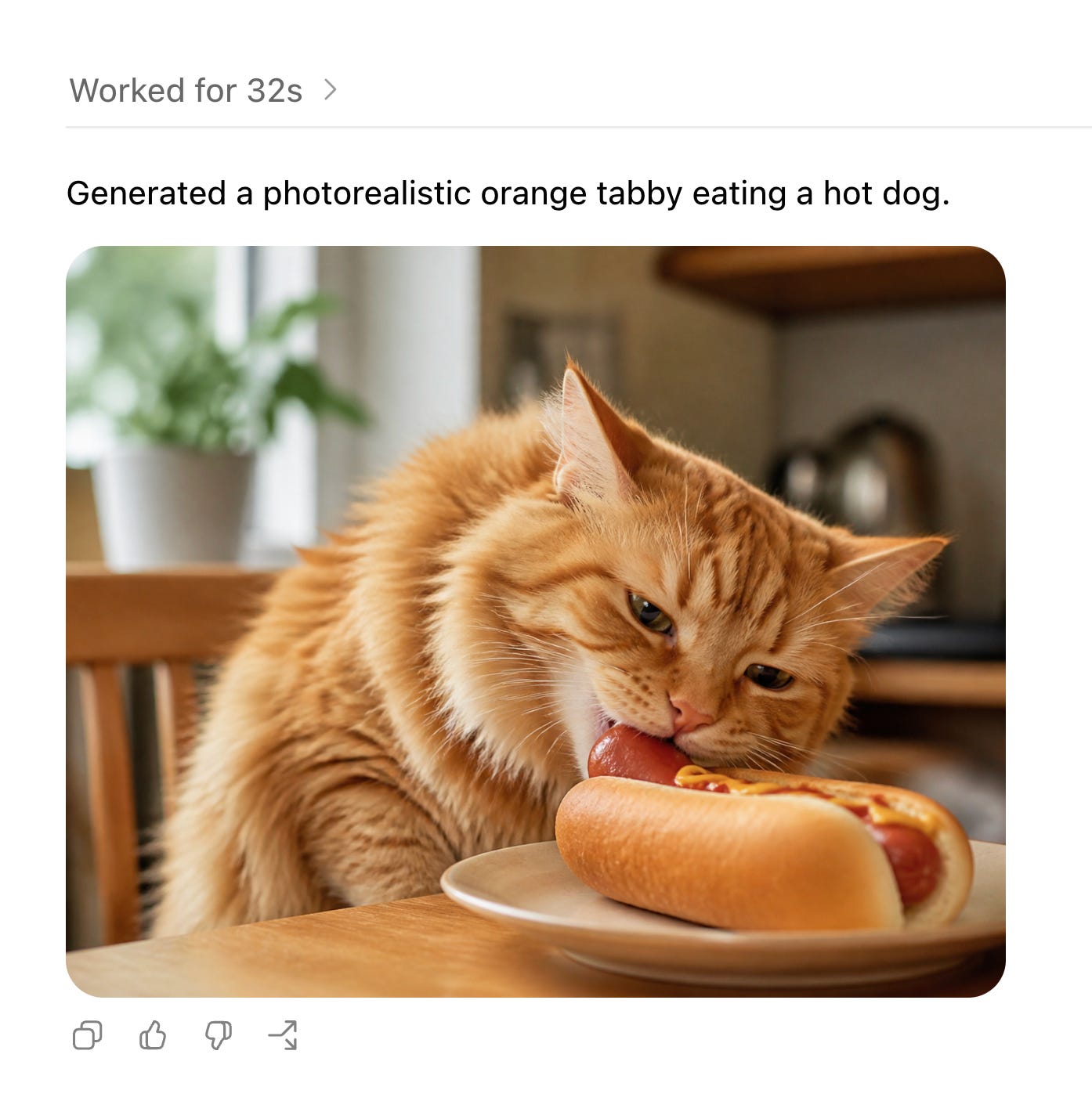
Claude reads images but lacks this smooth creation flow.
Codex uses ChatGPT’s latest image model (which is top notch)
So if you’re creating ads, social posts, websites, and mockups… you can do it all natively within Codex.
Yes, Claude still has Claude Design which is GREAT, but again it feels fragmented from the rest of the Claude experience.
Try it:
Name the image, size, audience, colors, and sales goal.
Ask for 1 small change at a time, then save the file.
SAMPLE PROMPT: Make a 16:9 hero image for my bookkeeping offer in navy and cream.
Once the image exists, Git gives each final file a safe home.
5. Codex Has Superior Git Integration For Non-Techies
Git keeps a history of your files, so you don’t lose good work.
Think of Git as a “SAVE” button for all your work.
Codex has this friendly-looking display of Git actions.
All you have to do is click “Commit or push” to save your work.
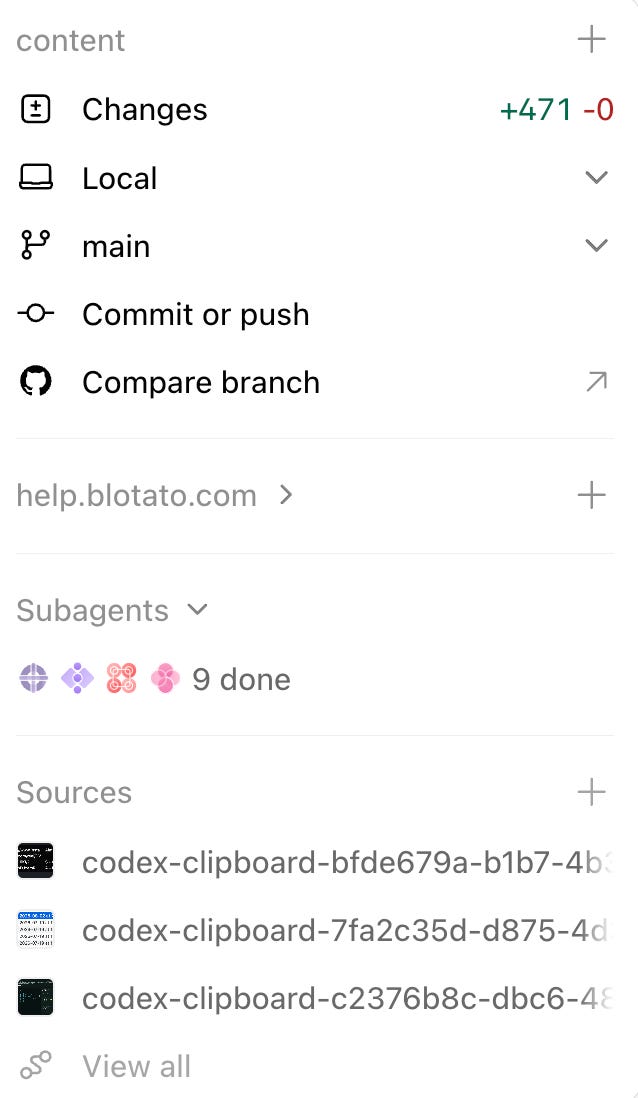
This might look scary, but Codex makes it far easier for non-techies. And honestly, Git is essential when working with AI agents that may accidentally delete sensitive info.
Try it:
Ask Codex to explain the project before it edits.
Check the changes, run tests, then save them on a named branch.
Once work is safe, Fast mode handles urgent deadlines.
6. Fast Mode Helps When Delay Costs Money
Fast mode raises speed by 1.5x on supported models.
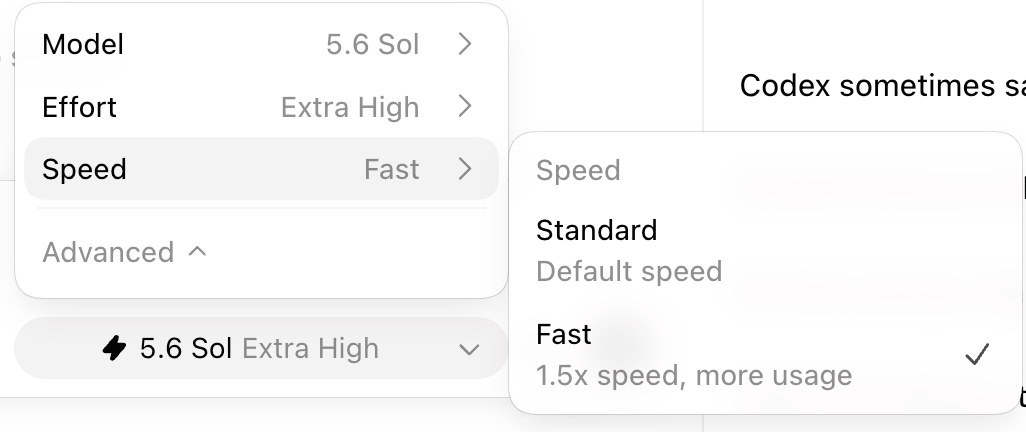
Be careful because the “1.5x speed” claim means faster, but it’s oftentimes MORE than 1.5x token usage.
However, I still use it frequently.
Because TIME is the most important thing to me.
I’m currently on the Codex $200/month plan, haven’t hit the limits, AND it is far from the most expensive tool I pay for.
I suggest using it for urgent work, but I found 1 real-world use case that still sent me back to Claude.
7. LinkedIn Recruiter Is My 1 Claude Exception
I’ve almost fully moved from Claude to Codex.
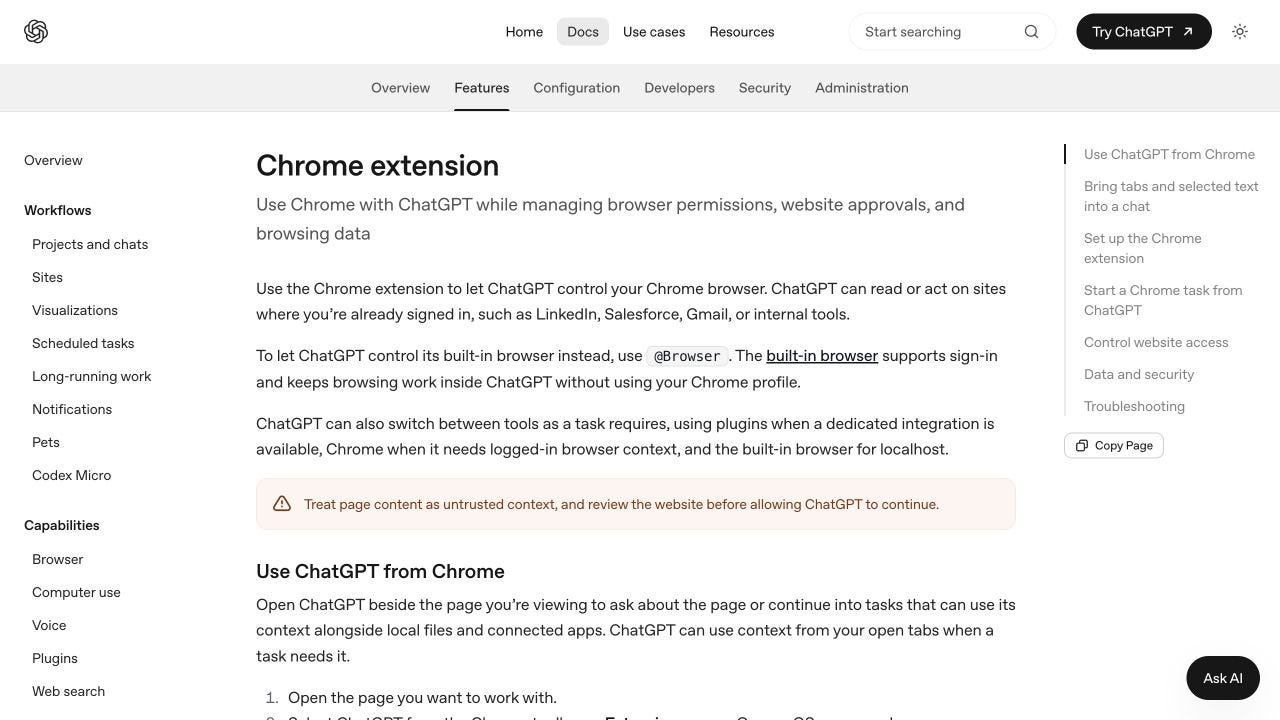
HOWEVER, Codex sometimes says hiring work isn’t allowed and stops working inside my LinkedIn Recruiter account.
Claude Code + Chrome did the same work without complaints.
For this one job, Claude is still superior.
I kept this fallback, then imported the rest of my Claude setup.
8. How To Migrate From Claude To Codex
OpenAI has an import tool for Claude Code.
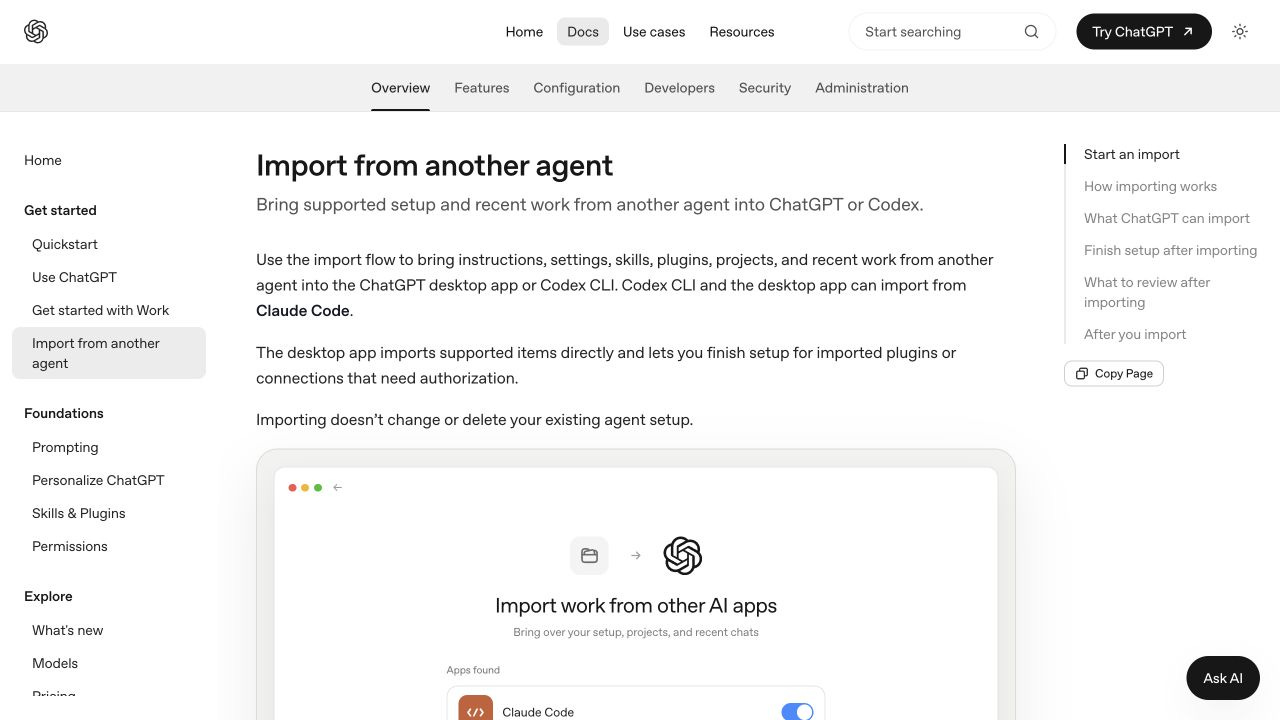
Use it first:
Open “Settings > Import” in the ChatGPT desktop app.
Choose “Claude Code,” then pick projects and recent chats.
Finish plugin or account sign-ins after import.
Open 1 old project and rerun a job you know well.
Claude skills often live in .claude/skills.
Codex repo skills live in .agents/skills, with both words plural.
Not .skills.
Not .agent.
Each skill needs a folder with a SKILL.md file.
AGENTS.md is different.
It stores the rules Codex reads before work, such as your writing style, test steps, and safety rules.
Codex settings live in .codex/config.toml.
It moves instructions, settings, skills, commands, hooks, MCP tools, and recent chats.
It supports Claude Code, not Cowork.
For Cowork, copy files, reinstall plugins, and rebuild tasks in “Scheduled.”
Then, test creating scheduled tasks and the in-app browser, like we talked about above!
RECAP: ChatGPT Desktop Is The Winner BUT…
If I had to choose only 1 reason to switch to Codex, it’s this:
Unified scheduled jobs that use my logged-in browser & computer.
BUT:
Claude still won on that Linkedin Recruiter task because Codex refused the work
I still use free tools like n8n for DETERMINISTIC workflows where “heavy intelligence” isn’t required.
For example, I still have n8n workflows running where I just need Y thing to happen every time X happens - no funny business. Real example: when a file enters this google drive, extract the file’s contents, then send a simple email.
Frequently Asked Questions
Does import delete my Claude setup?
No, the official import leaves your old setup in place.
Where do Codex skills go?
Use .agents/skills/<skill-name>/SKILL.md inside a repo.
Does the importer move Cowork tasks?
No, rebuild those jobs in Codex “Scheduled.”
Should I cancel Claude on day 1?
No, like anything, test it for 1-2 weeks to see which you like better. My content is my observation from testing on my use cases; take it with a grain of salt, always try stuff for yourself!
Not Sure Where To Start? 👇
I’ve organized my best trainings below:
Subscribe to my Youtube and hit the “notification” bell
So that you never miss my free trainings 👇
You are the one responsible for me getting all up in ai. It was the womens’ AI challenge. You lit a fire under this not so young woman. ANYWAY, I’m all in with Claude, build a couple of very useful agents, skills… now you’re saying go Codex. I can’t keep up. Tell me I’m ok with Claude for now. 🙃
Hi Sabrina, will you be doing a training on how to setup and run Blotato using Codex?