

I gave ChatGPT Astra one big prompt.
In only 8 minutes, GPT-6 Astra made Minecraft.
It started as a forest I could walk through.
Then it kept going…
Without prompting from me, it added:
mining
crafting
weather
animals
farming
enemies
physics
combat
mobile controls
and saved worlds…
4 hours in!
In this guide, I’ll show you how to setup Astra and build this too!
Play Astra’s Minecraft clone here:
Watch the best game clips here!
1. What Is ChatGPT Astra?
GPT-6 Astra is OpenAI’s newer model for difficult, long tasks.
It’s specifically built for tasks with many steps inside ChatGPT Work and Codex.
ChatGPT Work lets ChatGPT works with your computer’s apps, files, and tools.
So, you want to use ChatGPT Work + Astra together for the most powerful setup.
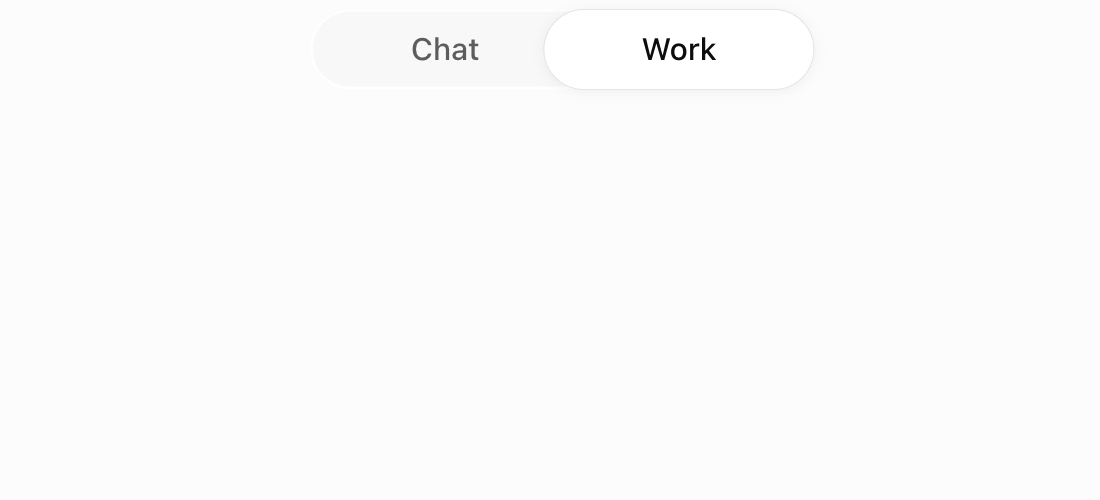
Use Astra for hard visual tasks.
Go back to model “Sol” when you want to save tokens.
If Astra is missing, update your ChatGPT first.
Next, let’s download the desktop app.
2. Install ChatGPT Work And Select Astra
Start with the ChatGPT desktop app.
Open it and sign in to your ChatGPT account.
At the top, choose “Work.”
Next, open the model menu near the message box.
Instead of “Sol”, choose “Astra”.
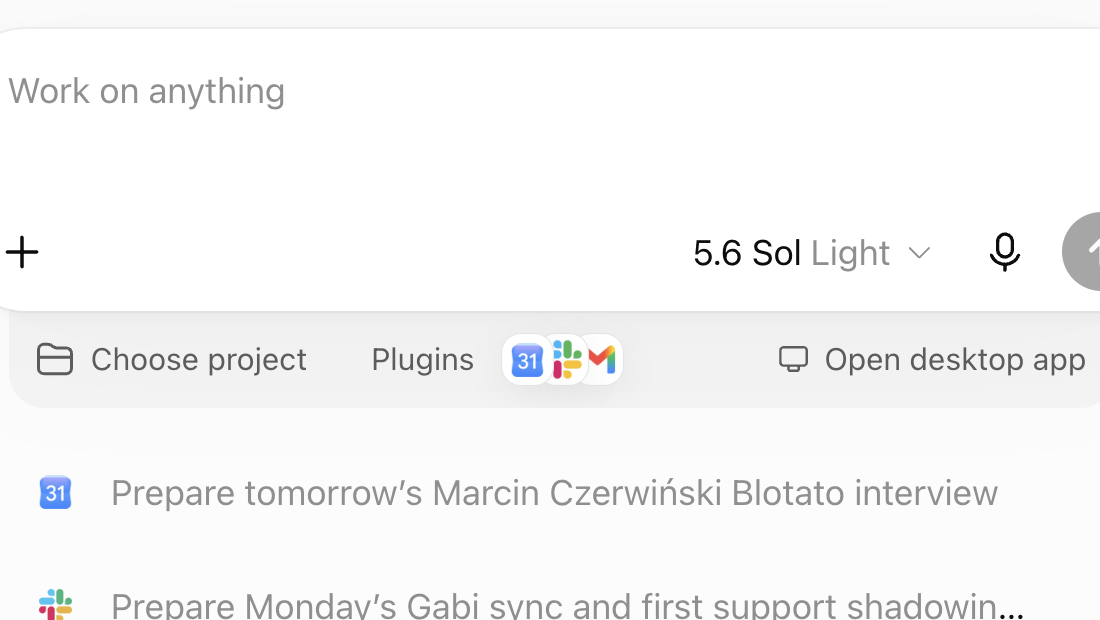
You should see “Work” at the top and “Astra” near the message box.
If you only see “Chat,” switch to “Work.”
3. Enable Computer Use And Run A Test
Computer Use lets ChatGPT click, type, scroll, and work inside approved apps.
You stay in control of which apps it sees.
Inside “Work,” click “Plugins.”
Find “Computer Use.”
Click “Install plugin.”
Click “Enable” if it appears.
Turn on the Computer Use server and skill switches.
Then click “Try now.”
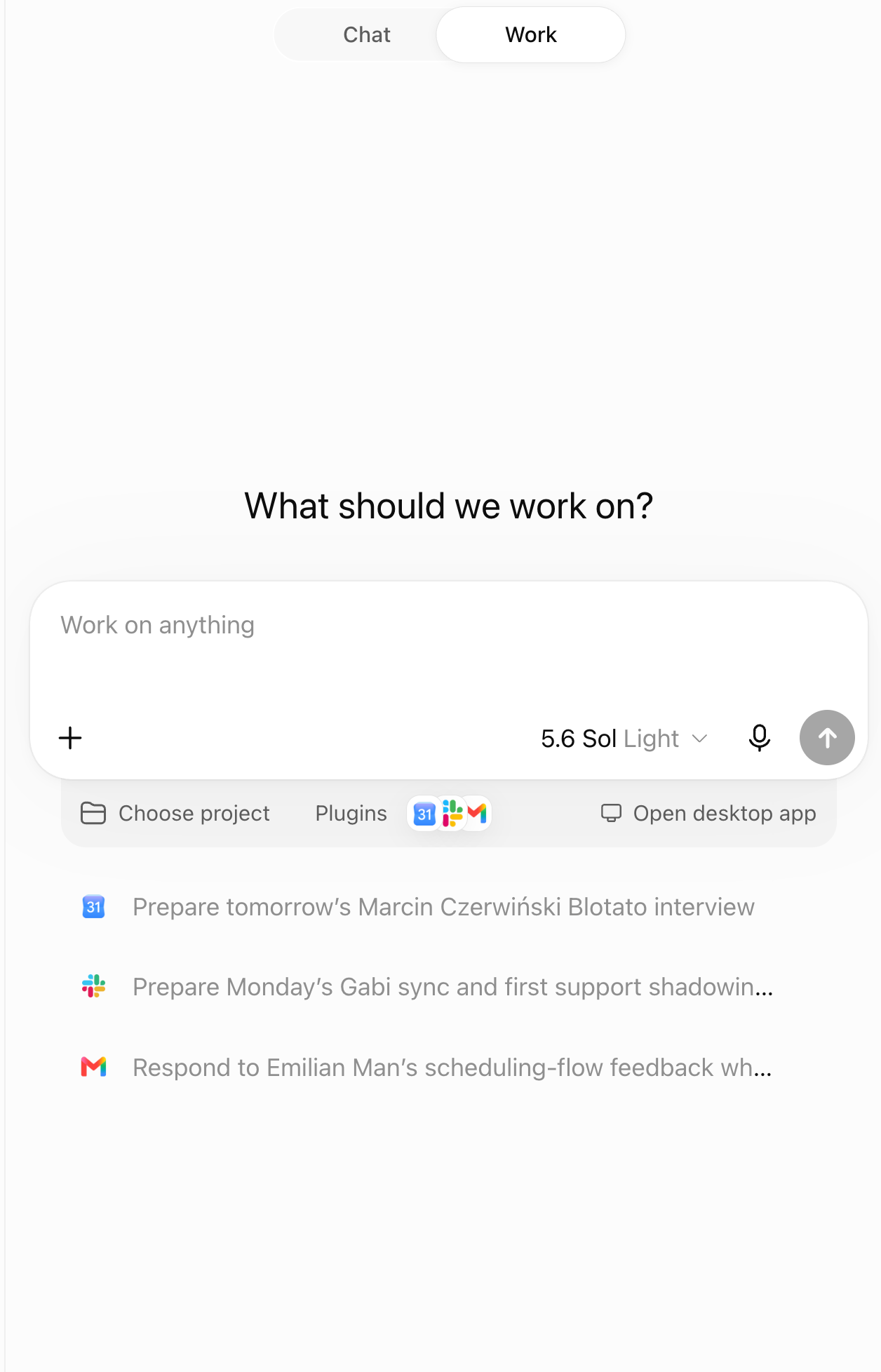
On a Mac, allow “Screen Recording” and “Accessibility” when asked.
These settings let ChatGPT see the screen and use your mouse and keyboard.
Open “Settings”, then “Computer use”, to review app access.
FIRST TEST: try this prompt…
Open TextEdit on Mac, or Notepad on Windows. Create a new file named
astra-test.txt. Type “Astra Computer Use works.” Save it in my Downloads folder. Stop and ask me before replacing any file.
Watch the screen while it works.
IMPORTANT:
Do not approve a strange login, payment, or file changes.
Astra should finish without asking for broad access or an unrelated login.
Next, open your Downloads folder and check for astra-test.txt.
If the file opens with the right text, your setup works! :D
If it fails, reopen “Settings” and check Computer Use access.
Start with a tiny task. Trust grows from watching it succeed doing work, not from approving every click.
Once one safe file works, we’ll use the same loop scaled up: ask, watch, verify.
That is precisely the loop I used next.
4. Let’s Build Minecraft!
Skip this section if you are new.
I wanted to see how far Astra could go with one HUGE goal.
Could it build a REAL Minecraft-style game in ONE prompt?
Here’s the prompt:
your goal is to clone Minecraft with blender
create new folder
~/dev/minecraftto store everythingdo not stop until the clone is fully playable, looks just like Minecraft, and even crafting works
do not stop until you’ve spent at least 6 HOURS improving the game
capture screenshots of substantial visual changes, organized in
~/Downloadswith approximate time labels, such as “15 minutes”
What Happened First…
15 minutes in, Astra built a forest, a player, and an inventory.
Then the weird bugs started.
My giant hand covered the screen.
Mining a plant crashed the whole game.
However, here’s the impressive thing:
Astra kept checking the game, finding problems, and fixing them.
By 20 minutes, I could craft a log into a pickaxe.
By 45 minutes, I had a village with crops, cottage, and a mine.
The Features Started Working Together
Animals followed food with their babies.
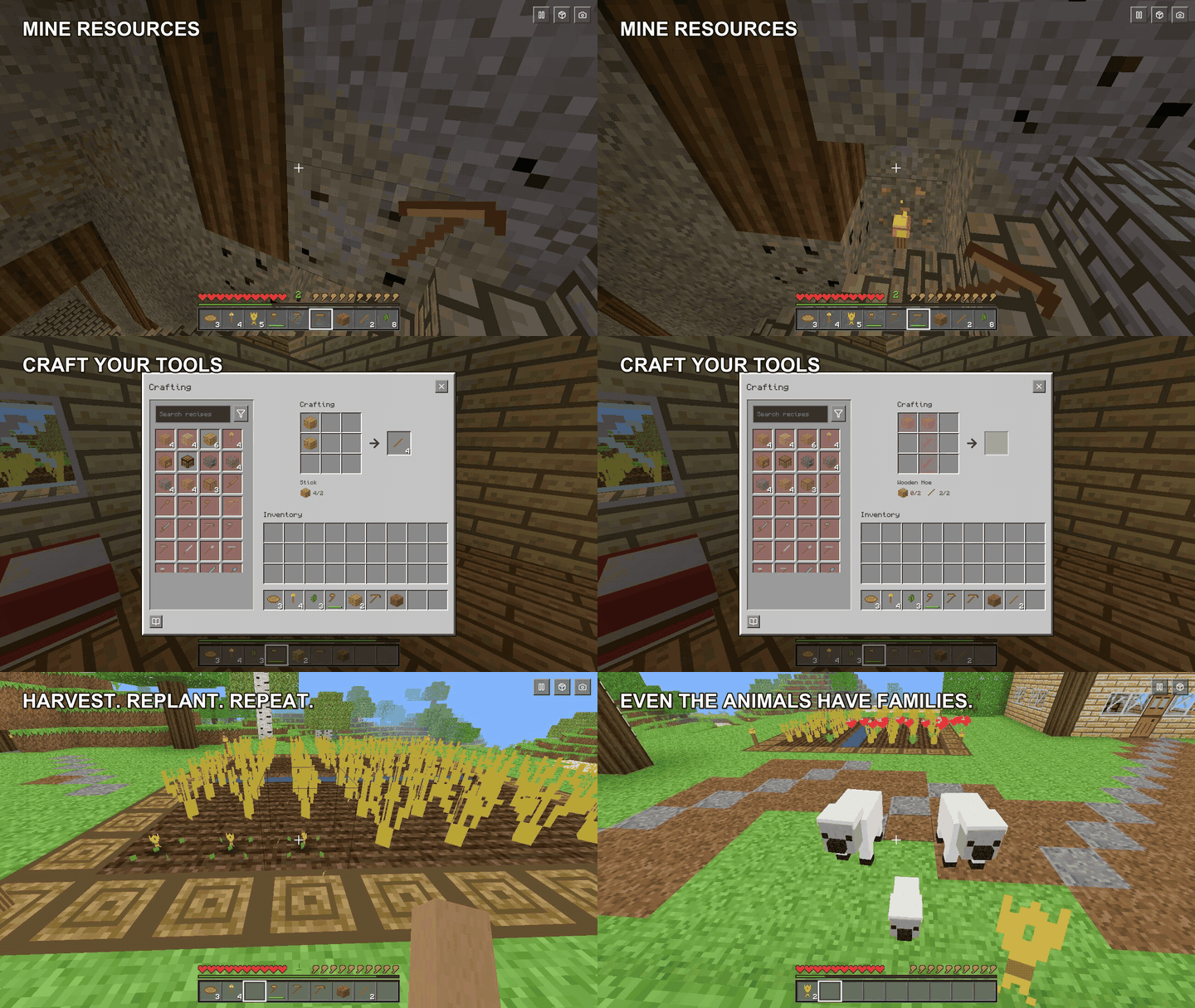
Then Astra added physics: flowing water, falling blocks, and growing trees.
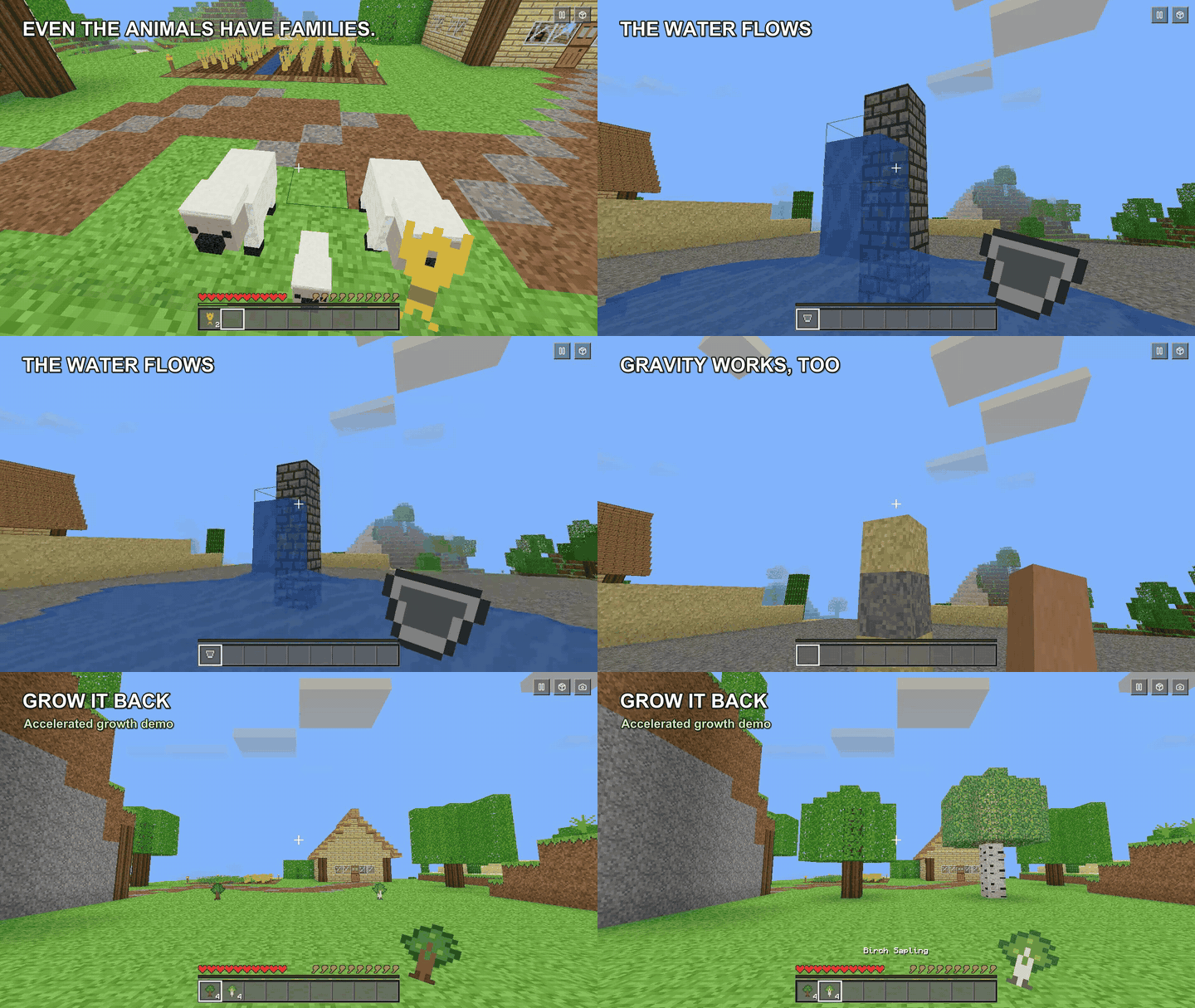
Finally, it tested the game’s keyboard controls.
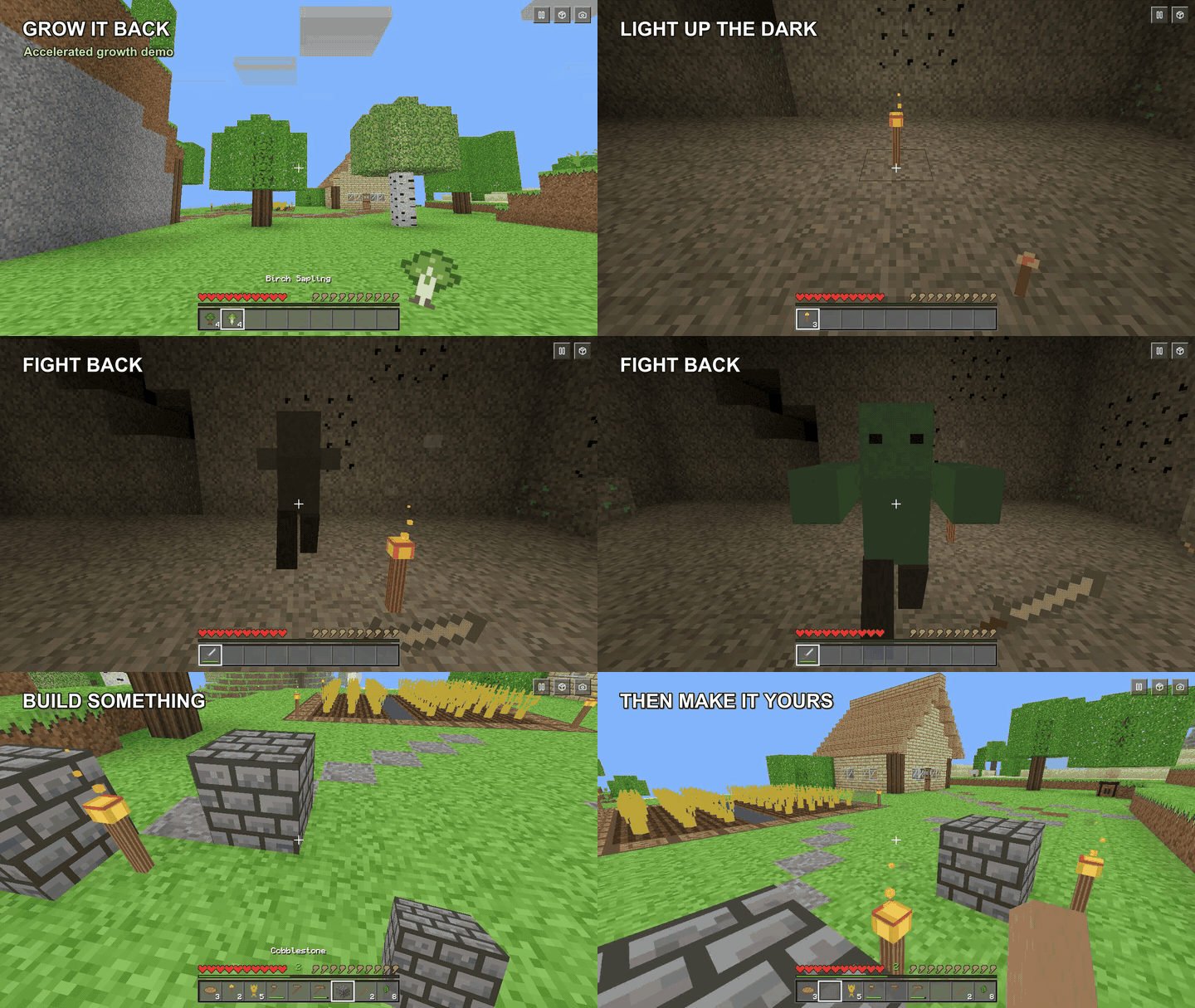
It mined resources, fought enemies, and placed blocks and torches.
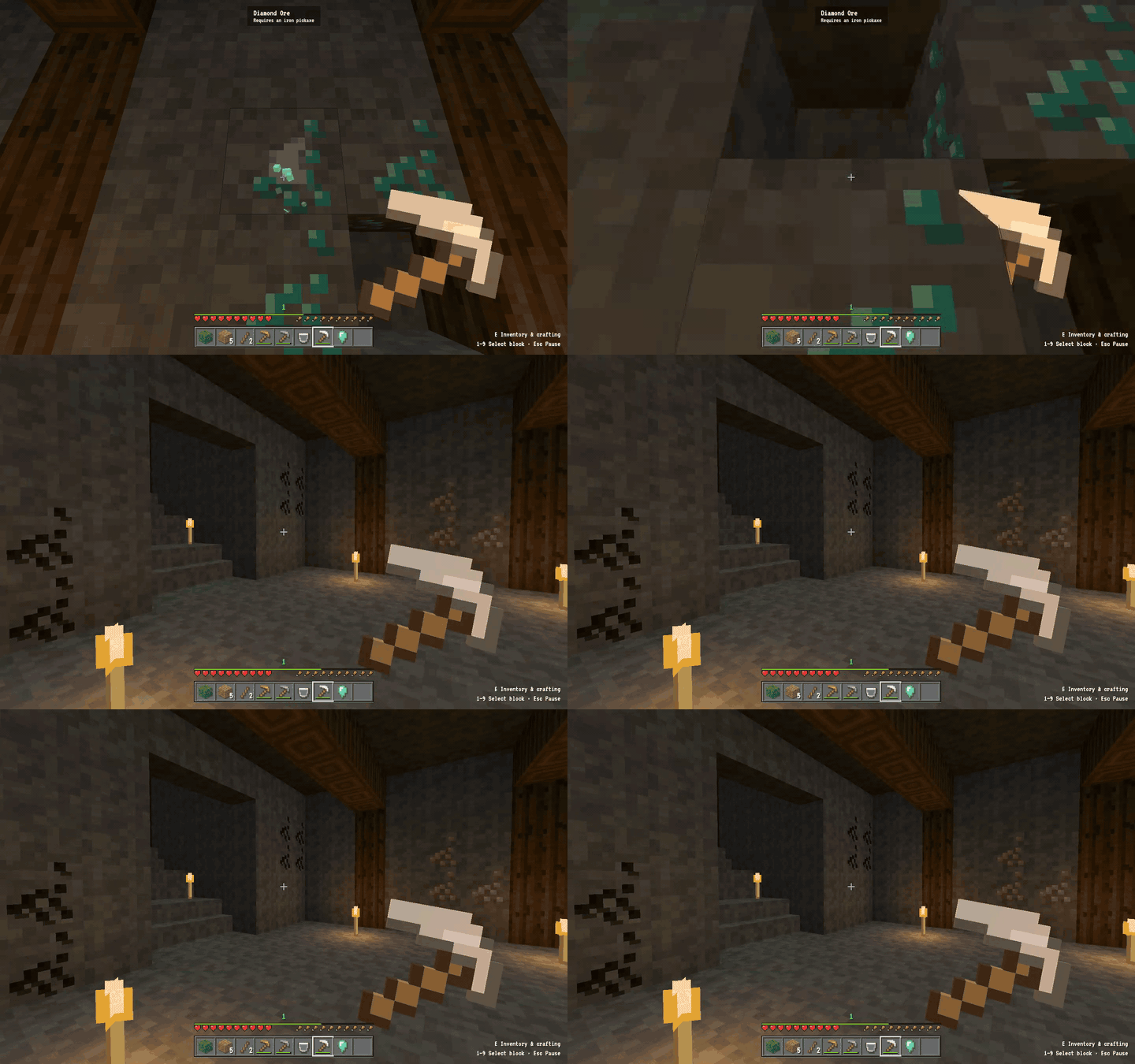
The game ACTUALLY worked, like for real:
Smelt ore in a furnace.
Farm wheat and raise animals.
Fight enemies and fire arrows.
Mine blocks and collect drops.Save each world and return later.
Turn logs into tools at a crafting table.
It even had touch controls for mobile. Overkill, but nice!
What Astra Actually Did
However, Astra did NOT invent everything from scratch.
It wrote the browser game in JavaScript.
It used an existing library, Three.js, to draw the 3D world.
It used an existing library, Rapier, for movement and physics.
It used Blender to make blocky models and pixel art.
It used existing recipe data online for the crafting rules.
In this complex long-running task, Astra chose useful tools, wrote code, tested the game, and fixed problems in an ongoing loop, while taking regular progress pics.
THAT’S the whole point.
THAT’S why people are saying it’s “AGI”.
My prompt asked Astra to spend 6 hours improving the game.
But I stopped it after about 4 hours of active work.
Certainly, it was NOT all of Minecraft.
But the most foundational core game elements all worked: gathering, crafting, farming, fighting, and building worked.
Astra also created automated tests for crafting, terrain, saves, creatures, and survival play.
Computer Use turns a prompt into visible work.
Tests tell you whether the work holds together.
That is the lesson I would copy.
Start with one clear goal.
Watch the work.
Then have Astra test the result like a real user :)
5. Recap
We’ve moved through all 3 levels (see what I did there):
Install ChatGPT Work
Setup Astra
Enable Computer Use
Test it
Build Minecraft in a long-running task loop
Useful AI work = clear prompt x clear tests x guardrails
FAQ
Is ChatGPT Astra faster at Computer Use?
OpenAI has not published a direct speed test against Sol.
It recommends Astra for hard visual work.
Why do I not see Astra?
Access depends on your plan, account, and product rollout.
Update ChatGPT first, then check the model menu again.
Do I need to build a game to use Computer Use?
No.
The text-file test is enough to prove your setup works.
Is this the real Minecraft?
No.
It is an original local browser game inspired by Minecraft.
It does not use Mojang’s paid game files.
Should I let Astra control every app?
No.
Give it the smallest amount of access needed for the task.
Stay present for logins, payments, private data, and file changes.
Not Sure Where To Start? 👇
I’ve organized my best trainings below:
Subscribe to my Youtube and hit the “notification” bell
So that you never miss my free trainings 👇
IMPORTANT: I will NEVER ask you for money. I am NOT sending you friend requests. I am NOT on Whatsapp, Telegram, or messaging apps. I will NEVER sell a course. Always block & report scammers.
It's funny, I use to watch my son who is now 25 play this game. I was an interior architect who used sketchup at the time... Now I wantwant to play minecraft and WORLDBUILD 🥰
The progression from a forest and inventory in fifteen minutes to combat, saves, and mobile controls over about four hours is what stuck with me. Watching Astra lean on Three.js, Rapier, and existing recipe data instead of inventing a game engine from scratch felt like the real lesson. When you give Astra a goal this large, do you keep one continuous session with constant observation, or do you break it into staged prompts with fresh checkpoints after each milestone?